
Workgrid
Workgrid helps teams connect and collaborate effectively.
Overview
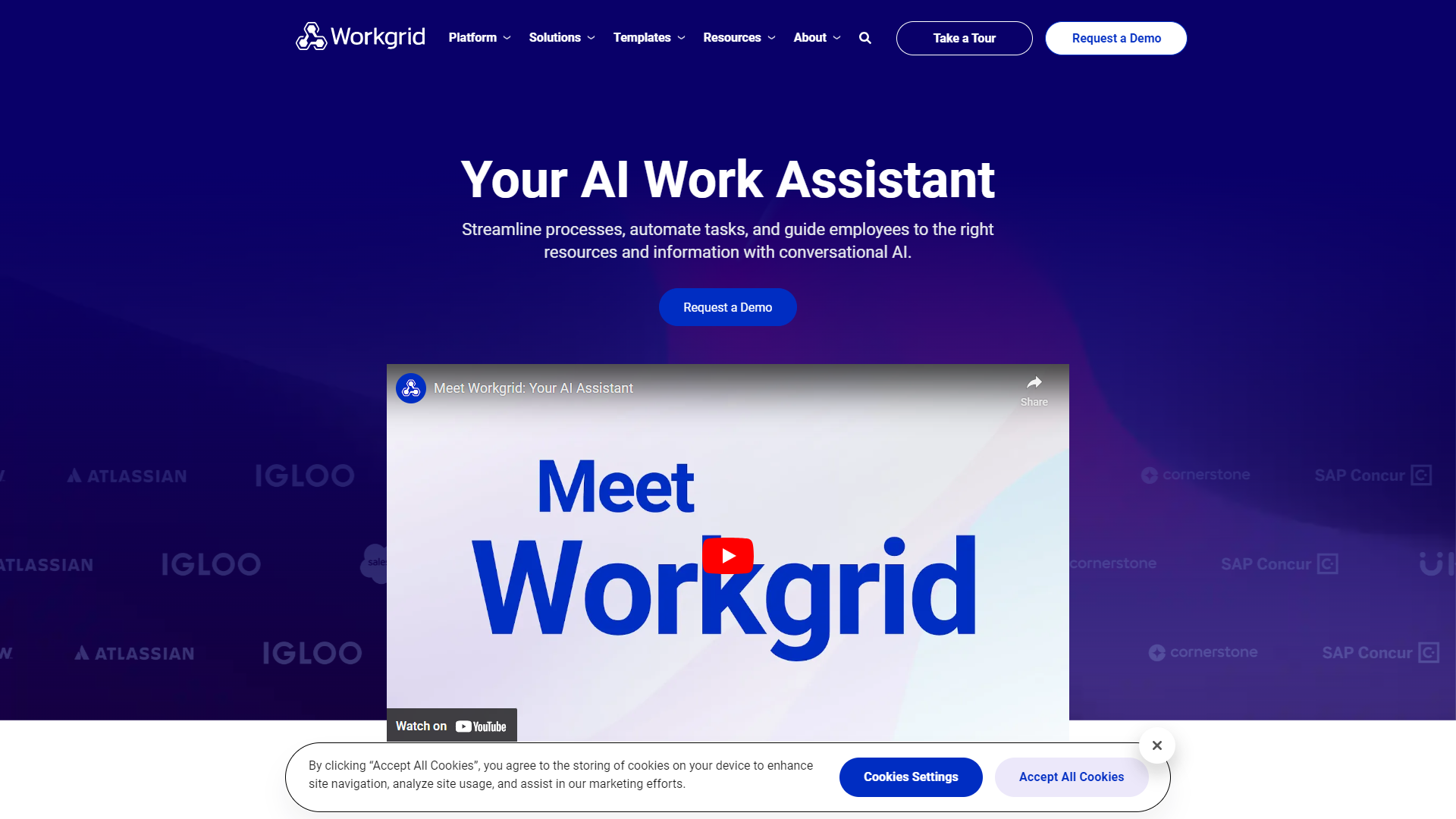
Workgrid is a smart workplace platform designed to improve communication and productivity among teams. It brings all your essential tools and resources into one easy-to-use interface. By streamlining workflows and enhancing collaboration, Workgrid allows teams to focus on what really matters: getting work done.
With Workgrid, users can share information quickly and efficiently. The platform integrates with various applications, ensuring that team members have access to vital resources without the hassle of switching platforms. This seamless integration promotes a more harmonious work environment, fostering creativity and teamwork.
Moreover, Workgrid emphasizes user experience, making it simple for everyone, regardless of their tech skills, to adapt. Its intuitive design and helpful features make it suitable for businesses of all sizes, enabling them to enhance their operational efficiency and achieve their goals together.
Key features
Integrated Communication
Workgrid combines tools like chat and email, allowing users to communicate without leaving the platform.
Task Management
Users can assign and track tasks easily, ensuring everyone knows their responsibilities.
File Sharing
Workgrid enables secure file sharing, making it simple to collaborate on documents in real time.
Calendar Sync
The platform syncs with popular calendar apps, helping teams keep their schedules organized.
Personalized Dashboards
Each user can customize their dashboard to see the information that matters to them most.
Mobile Access
Workgrid works on mobile devices, allowing users to stay connected even when they’re on the go.
Integration with Tools
The platform integrates with other software, such as project management tools, for a smoother workflow.
Analytics and Reporting
Workgrid provides insights into team performance, helping leaders make informed decisions.
Pros & Cons
Pros
- User-Friendly
- Time-Saving
- Enhanced Collaboration
- Customizable
- Mobile Compatibility
Cons
- Learning Curve
- Limited Offline Access
- Subscription Costs
- Integration Challenges
- Overwhelming Features
Rating Distribution
Screenshots
User Reviews
View all reviews on G2I like the integrations
What do you like best about Workgrid?
I like how Workgrid integrates workplace technologies, which ultimately boosts productivity. It offers a user design automates tasks and allows for notifications.
What do you dislike about Workgrid?
One common complaint, about Workgrid is its range of features. Some users find the customization options for specific workflows to be somewhat limited. Additionally there have been issues reported that can negatively impact the overall user experience.
What problems is Workgrid solving and how is that benefiting you?
Workgrid effectively tackles the challenges stemming from using office products by consolidating them into a space. This has greatly helped me in terms of reducing time spent switching between programs enhancing communication and automating processes. Overall it has significantly increased productivity. Improved teamwork, within my office environment.
Boosting Efficiency and Collaboration: My Take on Workgrid
What do you like best about Workgrid?
The best aspect of Workgrid is its personalized dashboard, consolidating vital information and tasks for seamless access. The platform's integration with various communication channels ensures effective team collaboration and timely updates. Additionally, Workgr...
WorkGrid - Great Product with a Great Partner
What do you like best about Workgrid?
The enablement of WorkGrid globally has simplified our workflows significantly.
What do you dislike about Workgrid?
WorkGrid is still in the start-up phase so operational support may be impacted.
Recommendations to others considering Workgrid:
No recommendatio...
Company Information
Alternative Conversational Intelligence tools


FAQ
Here are some frequently asked questions about Workgrid.
Workgrid is a platform that helps teams communicate and work together more efficiently.
It integrates various tools for communication and task management, allowing seamless workflows.
Yes, Workgrid is accessible on mobile devices for users on the go.
Absolutely! Workgrid is designed to accommodate teams of all sizes.
Yes, while there might be a free trial, premium features typically require a subscription.
Users can personalize their dashboards to focus on specific tasks and information.
Yes, it offers reporting tools to help track team performance.
Yes, Workgrid supports integration with various productivity tools.


