
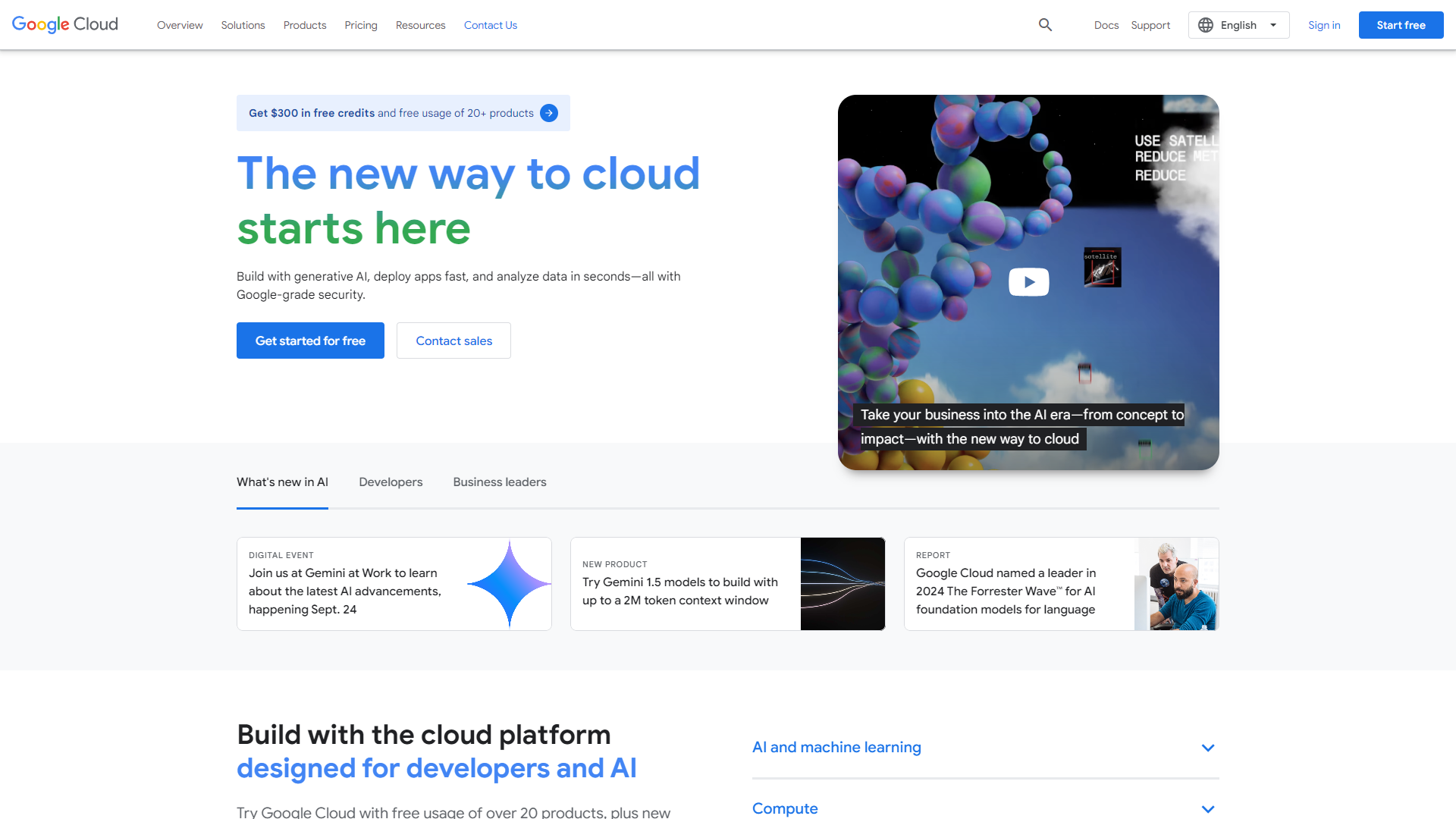
Overview
Google Cloud Translation API is a powerful service that allows users to translate text in real time. It supports more than 100 languages, making it a great choice for businesses and developers who aim to reach a global audience. The API can automatically detect the language of the text and translate it to the target language, which makes it user-friendly and efficient.
This service is built on Google’s machine learning framework, which means it’s constantly improving as more data is processed. It provides features like neural machine translation that ensure translations are not only accurate but also contextually relevant. The API can be integrated easily into web and mobile applications, allowing developers to enhance user experience with multi-language support.
Overall, Google Cloud Translation API is an ideal solution for various needs, whether for e-commerce websites, social media platforms, or educational tools. It enables users to communicate effectively across language barriers and expands accessibility to a broader audience.
Pricing
| Plan | Price | Description |
|---|---|---|
| Free Usage | Free Trial (Per Month) | - |
| Cloud Translation - Basic | Pay As You Go (Per Month) | Total usage for language detection and text translation by using the NMT model |
| Cloud Translation - Advanced | Pay As You Go (Per Month) | Total usage for the following features: language detection, text translation, batch text translation, XLSX document translation as well as TranslateDocument (DOCX, PPT, and PDF formats only) |
| Custom model training | Pay As You Go (Per Month) | Model training is charged by the hour. The time that is required to train your model depends on the size and complexity of your training data. If training fails for any reason, you aren't billed for that training time. |
Key features
Multi-language Support
Supports over 100 languages for translation.
Automatic Language Detection
Automatically detects the language of the text.
Real-time Translation
Provides immediate translations for on-the-fly user needs.
Neural Machine Translation
Delivers contextually intelligent translations through advanced algorithms.
Glossary Support
Allows users to create custom glossaries for consistent terminology.
Batch Translation
Translate multiple texts in one API request, saving time and resources.
Document Translation
Capable of translating entire documents in various formats.
Integration Friendly
Easy integration with mobile and web applications.
Pros
- User-friendlySimple to use for developers and businesses alike.
- Fast ProcessingDelivers quick translations, enhancing user experience.
- High AccuracyUtilizes advanced machine learning for precise translations.
- Widely AccessibleIdeal for global businesses reaching diverse audiences.
- ScalableCan support small projects to large enterprise needs.
Cons
- CostPricing can add up with high usage, making it less affordable for small projects.
- Some inaccuraciesOccasionally, translations may lack nuance or cultural context.
- Dependency on InternetRequires a solid internet connection for operation.
- Limited controlUsers have less control over the translation process than manual methods.
- Privacy concernsSending sensitive data over the internet may pose privacy issues.
FAQ
Here are some frequently asked questions about Google Cloud Translation API.
It is a service that allows users to quickly translate text in many languages using Google's machine learning.
The API supports over 100 languages.
Yes, it can automatically identify the language of the text being translated.
Yes, it is designed to be user-friendly for integration with web and mobile applications.
While it generally provides high accuracy, some translations may miss cultural nuances.
Pricing is typically based on the number of characters translated, which can vary with usage.
Yes, it can handle entire documents in various formats.
Be cautious, as sending sensitive data over the internet may raise privacy concerns.
Yes, there are usage limits that you can review in the service's documentation.


