
Overview
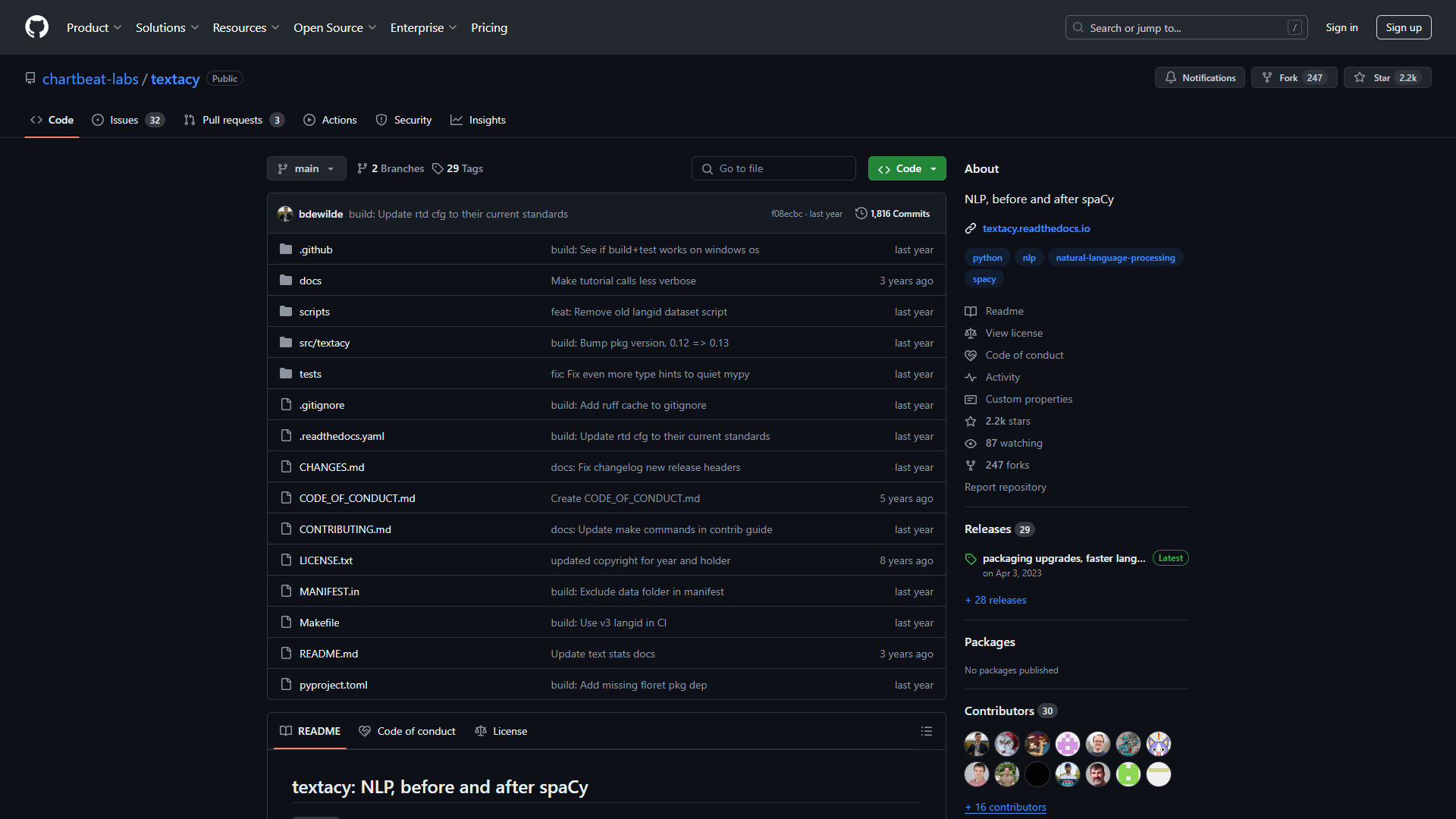
Textacy is a Python library that combines the capabilities of spaCy and other text processing tools to help users analyze and work with large amounts of text. It is designed for those who want to perform natural language processing (NLP) in a more efficient way. With Textacy, users can easily manipulate text data and extract valuable insights from it.
The library provides various features such as text preprocessing, vectorization, and topic modeling. This makes it useful for researchers, data scientists, and anyone interested in understanding large text datasets. Textacy simplifies complex NLP tasks, allowing users to focus on analysis rather than getting bogged down in the details.
Additionally, Textacy is open-source, which means that it is constantly being improved by a community of developers. This ensures that users have access to the latest tools and techniques in text analysis. Its compatibility with spaCy also means that it can leverage the power of advanced models for better text understanding.
Key features
Text Preprocessing
Textacy provides robust tools for cleaning and preparing text data for analysis, including lowercasing, removing punctuation, and tokenization.
Named Entity Recognition
It uses spaCy's advanced models to identify and extract named entities from text, such as people, organizations, and locations.
Topic Modeling
Textacy includes methods for discovering underlying themes in a set of documents, helping users understand the main ideas in their text data.
Text Vectorization
The library offers different techniques to convert text into numerical data, making it easier to analyze and visualize.
Collocation Extraction
Users can identify frequently occurring words and phrases, which can provide insights into the context and themes of the text.
Similarity Scoring
Textacy allows users to measure the similarity between texts, valuable for clustering or deduplication tasks.
Custom Pipelines
Users can create custom NLP pipelines tailored to their specific needs, using the flexibility of spaCy's architecture.
Integration with Other Tools
Textacy is designed to work smoothly with other libraries like pandas and scikit-learn, enhancing its usability.
Pros
- Easy to useThe library is user-friendly, making it accessible for beginners.
- Rich documentationTextacy comes with extensive documentation and examples to help users get started.
- Active communityBeing open-source, it has a community that contributes to its ongoing improvement.
- Powerful featuresOffers a range of advanced text analysis capabilities in one package.
- Fast processingTextacy is efficient, capable of handling large datasets without significant slowdowns.
Cons
- Requires PythonUsers must be familiar with Python programming to utilize Textacy effectively.
- Limited support for non-English languagesMost features are optimized for English text processing, which might be a drawback for non-English users.
- Steep learning curve for advanced featuresWhile basic functions are easy, more complex features can be challenging for beginners.
- Dependency on spaCyUsers need to have spaCy installed and properly configured to fully benefit from Textacy.
- Lack of graphical interfaceTextacy is command-line based, which may deter those who prefer GUI options.
FAQ
Here are some frequently asked questions about textacy.
Textacy is a Python library designed for natural language processing and text analysis.
You can install Textacy using pip by running the command `pip install textacy`.
Textacy is built using Python, so you will need some knowledge of Python to use it.
While Textacy primarily supports English, some features can be used for other languages, though results may vary.
Textacy offers text preprocessing, named entity recognition, topic modeling, text vectorization, and more.
Yes, Textacy is open-source, allowing users to contribute and benefit from community improvements.
Yes, Textacy is built on top of spaCy, so you need to install it to use Textacy.
You can perform various text analysis projects, including sentiment analysis, clustering documents, and extracting keywords.
You can find detailed documentation on the Textacy GitHub page, which guides you through installation and usage.


