
Overview
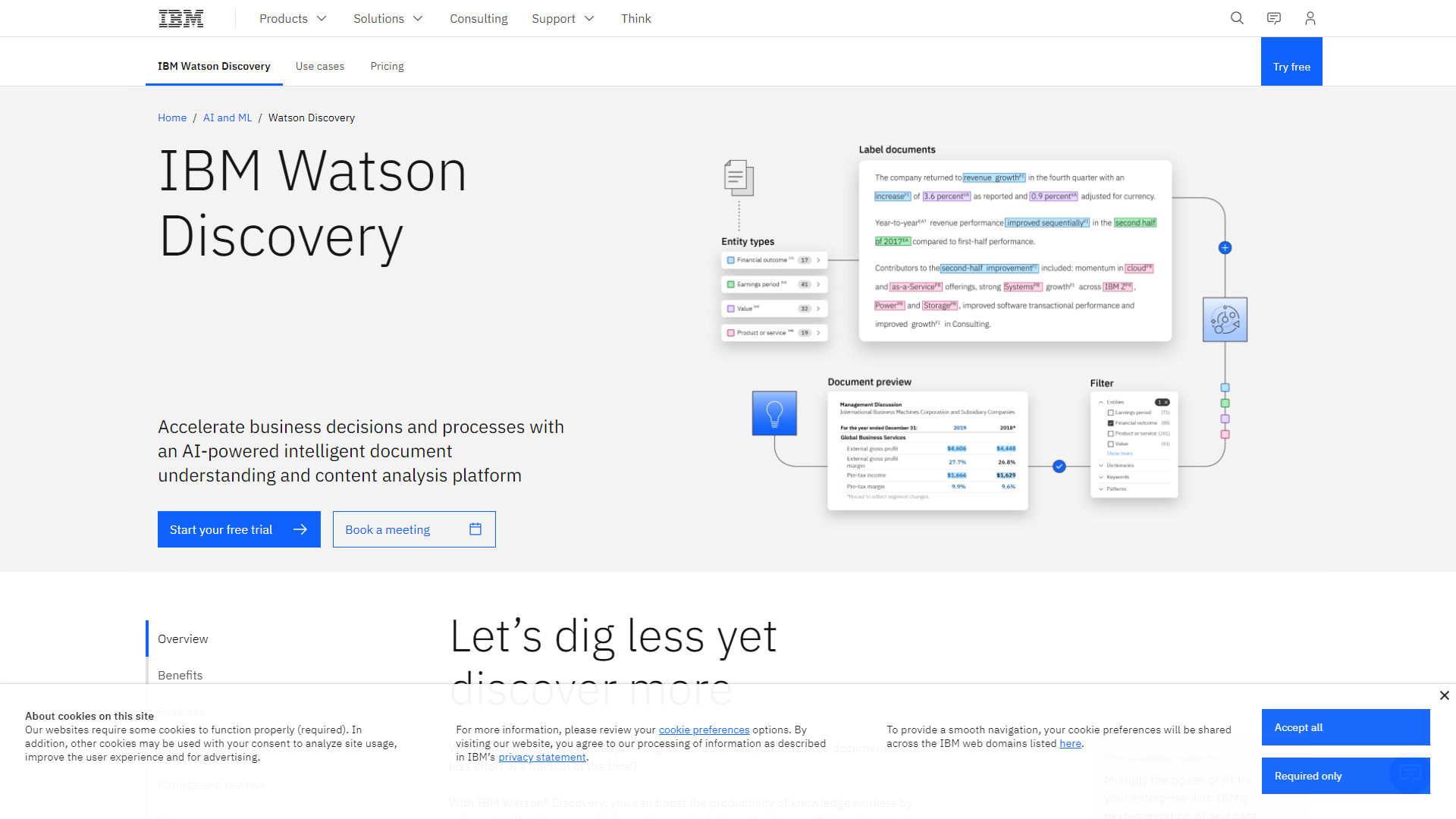
IBM Watson Knowledge Studio is a powerful tool that helps businesses understand and analyze their data. It uses artificial intelligence to transform unstructured data into useful information. With Watson Knowledge Studio, users can train machine learning models to recognize patterns and insights from their data.
One of the main benefits of this tool is that it allows users to work without needing deep technical skills. The platform is designed so that even those with basic knowledge can create their own models. This makes it accessible to a wider range of users in various industries.
Watson Knowledge Studio supports multiple languages and is ideal for companies looking to enhance their data analysis processes. By utilizing AI, it not only saves time but also improves the accuracy of insights, making decision-making easier and more efficient.
Pricing
| Plan | Price | Description |
|---|---|---|
| IBM Watson Knowledge Studio Free | 0.00 (USD) | - |
| IBM Watson Knowledge Studio Free | 0.00 (USD) | - |
| IBM Watson Knowledge Studio Standard | 150.00 (USD) | Starting at 150.00 per user per month |
| IBM Watson Knowledge Studio Standard | 150.00 (USD) | Starting at 150.00 per user per month |
| IBM Watson Knowledge Studio Premium | N/A | - |
| IBM Watson Knowledge Studio Premium | N/A | - |
Key features
Natural Language Processing
Allows businesses to understand and analyze human language.
Custom Model Training
Users can create tailored models to fit their specific needs.
Collaboration Tools
Team members can work together in real-time on projects.
Multi-Language Support
The platform supports various languages, expanding its usability.
Data Visualization
Offers tools to visualize data trends and insights effectively.
Integration Capabilities
Easily integrates with other IBM services and third-party tools.
User-Friendly Interface
Designed for ease of use, requiring minimal technical expertise.
Robust Security
Ensures that all data is kept safe and secure.
Pros
- Easy to UseThe platform is designed for users of all skill levels, making it accessible to everyone.
- Time-SavingAutomates many data analysis processes, which speeds up project completion.
- Versatile ApplicationsSuitable for various industries, from healthcare to finance.
- Strong SupportIBM offers extensive support resources and documentation for users.
- Continuous UpdatesRegular improvements and updates keep the tool current and effective.
Cons
- CostIBM Watson Knowledge Studio can be pricey for small businesses.
- Learning CurveWhile user-friendly, some features may still take time to learn.
- Dependence on Data QualityThe effectiveness of models hinges on the quality of input data.
- Limited Offline AccessRequires an internet connection for full functionality.
- Complexity for Advanced FeaturesMore advanced features may confuse beginners.
FAQ
Here are some frequently asked questions about IBM Watson Knowledge Studio.
It is a tool that helps users analyze data using artificial intelligence.
Anyone, from beginners to experts, can use this tool to train AI models.
Various industries like healthcare, finance, and marketing can use it effectively.
The tool allows team members to work together in real-time on projects.
Yes, IBM provides extensive training materials and resources for users.
Yes, IBM Watson Knowledge Studio supports multiple languages for analysis.
You can reach out to IBM's support team for assistance.
No, you need an internet connection to use the full capabilities of the tool.


