
HelpCrunch
HelpCrunch is an all-in-one customer support platform.
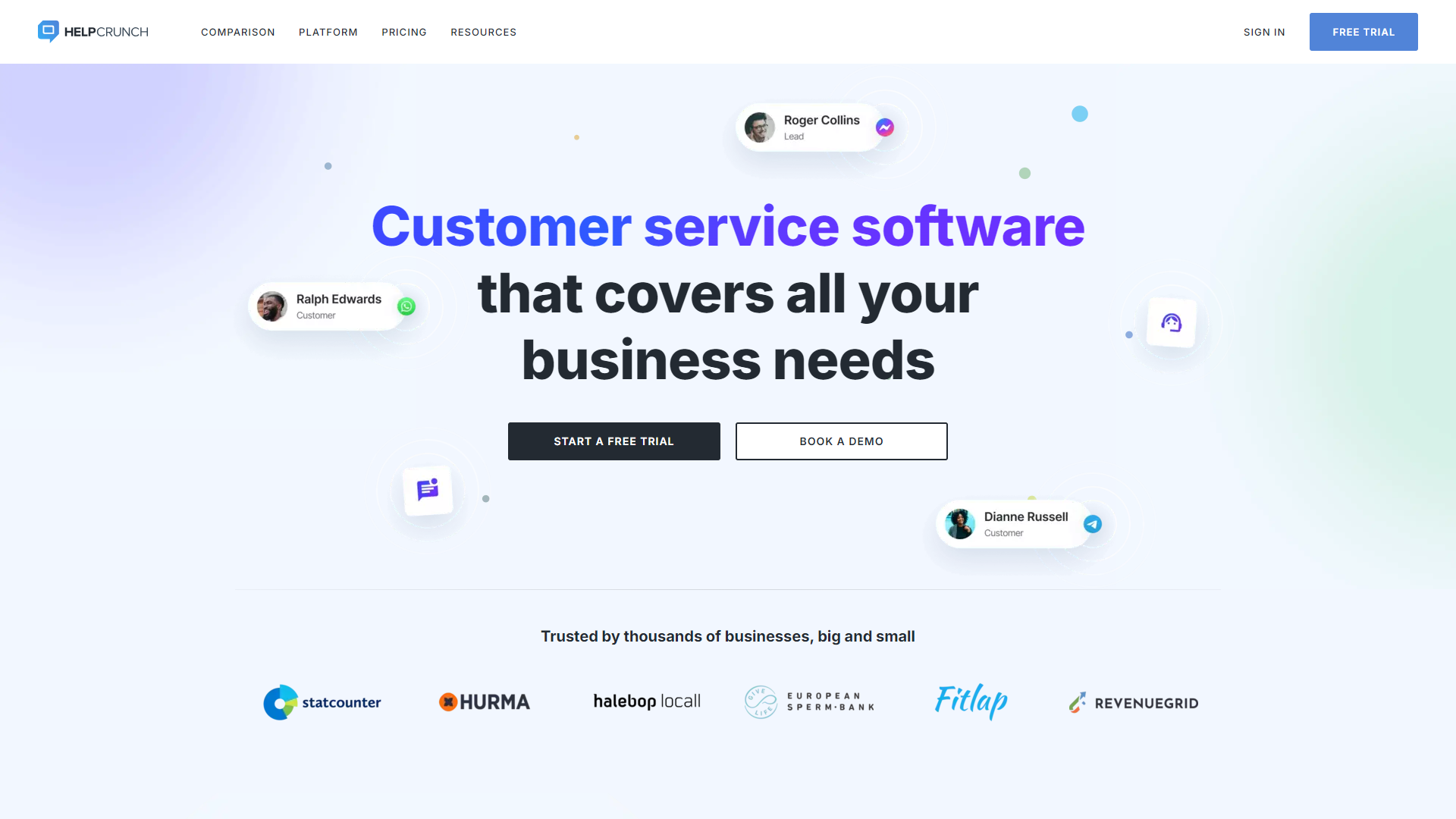
Overview
HelpCrunch is designed to improve customer interaction through various communication tools. It combines live chat, email marketing, and helpdesk features to create a seamless experience for users. Companies of all sizes can use HelpCrunch to enhance their support services and boost customer satisfaction.
Pricing
| Plan | Price | Description |
|---|---|---|
| Standard Live chat plan | 15 ($) | Great plan for small teams that includes more auto messages, full customization, unlimited contacts and chat history |
| Standard Live chat & Emails plan | 29 ($) | Great plan if you need email marketing automation in addition to live chat. |
| Premium live chat plan | 25 ($) | Perfect plan for those who need a perfect live chat |
| Premium Live chat & Emails plan | 49 ($) | Perfect for growing teams that need all the functionality and unbranded widget |
Key features
Live Chat
A real-time communication tool that allows businesses to talk directly with their customers and solve their issues quickly.
Email Automation
Save time by sending automated email campaigns and managing customer outreach effectively.
Helpdesk Software
Centralize customer queries in one place, making it easier for support teams to respond efficiently.
Knowledge Base
Create a self-service portal for users to find answers to common questions without waiting for support.
Chatbots
Automate responses for basic inquiries, improving response times and freeing up support staff.
User Feedback
Collect customer opinions to improve services and understand user needs better.
Mobile App
Access customer conversations and support tickets on the go with HelpCrunch's mobile application.
Analytics
Track key metrics to evaluate the performance of your support team and enhance overall service quality.
Pros & Cons
Pros
- All-in-one Solution
- User-Friendly Interface
- Customization Options
- Excellent Customer Support
- Affordable Pricing
Cons
- Limited Integrations
- Learning Curve
- Chatbot Limitations
- Storage Limitations
- Occasional Glitches
Feature Ratings
Based on real user reviews, here's how users rate different features of this product.
Platform
Based on 28 HelpCrunch reviews and verified by the G2 Product R&D team. Grant access to select data, features, objects, etc. based on the users, user role, groups, etc.
Based on 28 reviewsBased on 25 HelpCrunch reviews and verified by the G2 Product R&D team.
Based on 25 reviewsBased on 30 HelpCrunch reviews and verified by the G2 Product R&D team.
Based on 30 reviewsBased on 43 HelpCrunch reviews and verified by the G2 Product R&D team. Allows software to be easily used on multiple mobile devices include phone and tablet devices.
Based on 43 reviewsBased on 103 HelpCrunch reviews and verified by the G2 Product R&D team. Allows users to customize chat colors, text, logos, and branding.
Based on 103 reviewsBased on 49 HelpCrunch reviews and verified by the G2 Product R&D team. Grant access to select data, features, objects, etc. based on the users, user role, groups, etc.
Based on 49 reviewsBased on 39 HelpCrunch reviews and verified by the G2 Product R&D team. Integrates with other customer service software to improve support and enhance functionality
Based on 39 reviewsBased on 57 HelpCrunch reviews and verified by the G2 Product R&D team. Provides analytics tools that reveal important business metrics and track progress
Based on 57 reviewsBased on 57 HelpCrunch reviews and verified by the G2 Product R&D team. Displays important metrics relating to performance
Based on 57 reviewsAs reported in 12 HelpCrunch reviews. Ability to define a custom domain from which emails are sent.
Based on 12 reviewsBased on 12 HelpCrunch reviews. Able to send emails from multiple domains.
Based on 12 reviewsAbility to use a dedicated IP for deliverability. This feature was mentioned in 10 HelpCrunch reviews.
Based on 10 reviewsBased on 13 HelpCrunch reviews. Availability and quality of documentation for API, code library, implementation, and set up.
Based on 13 reviewsAbility for the platform to manage individual domain reputations. That way, senders with good sending practices are not penalized based on the sending practices of others. This feature was mentioned in 11 HelpCrunch reviews.
Based on 11 reviewsAs reported in 11 HelpCrunch reviews. Tracks emails sent and delivery rates and compiles them into standard reports.
Based on 11 reviewsProvides features and infrastructure to allow scaling for large organizations. This feature was mentioned in 10 HelpCrunch reviews.
Based on 10 reviewsAs reported in 15 HelpCrunch reviews. Emails are consistently received and software performs reliably.
Based on 15 reviewsProvide tools for live chat on one's website. This feature was mentioned in 18 HelpCrunch reviews.
Based on 18 reviewsAllows easy integrations with applications, such as messenger applications, APIs, and customer support tools. This feature was mentioned in 17 HelpCrunch reviews.
Based on 17 reviewsBased on 16 HelpCrunch reviews. Has the ability to customize look and feel of chatbot to match` company branding.
Based on 16 reviewsBased on 17 HelpCrunch reviews. Gives user the ability to analyze conversations with the chatbot and see its performance.
Based on 17 reviewsAllows users to test the efficacy of various responses through A/B testing. This feature was mentioned in 12 HelpCrunch reviews.
Based on 12 reviewsAs reported in 14 HelpCrunch reviews. Allows for varying access to chatbot and admin settings, depending on user, their role, etc.
Based on 14 reviewsAs reported in 15 HelpCrunch reviews. Can collect and store information from interlocators, such as email, phone number, etc.
Based on 15 reviewsIntegration
Based on 24 HelpCrunch reviews and verified by the G2 Product R&D team.
Based on 24 reviewsBased on 21 HelpCrunch reviews and verified by the G2 Product R&D team.
Based on 21 reviewsBased on 15 HelpCrunch reviews and verified by the G2 Product R&D team.
Based on 15 reviewsBased on 17 HelpCrunch reviews and verified by the G2 Product R&D team. Integrates with CRM software, which can help provide context to your mailing lists.
Based on 17 reviewsBased on 15 HelpCrunch reviews and verified by the G2 Product R&D team. Integrates with e-commerce platforms, which can link directly to your online store.
Based on 15 reviewsEmail Marketing
Based on 22 HelpCrunch reviews and verified by the G2 Product R&D team. Make sure subscribers see email as intended. View emulated inboxes of major email providers and mobile devices (e.g., iOS, Android) to resolve rendering issues.
Based on 22 reviewsBased on 22 HelpCrunch reviews and verified by the G2 Product R&D team. List management tools include importing and maintaining subscriber data. Manage list segmentation, profile attribute management, and delivery status. Subscribers self-manage preferences.
Based on 22 reviewsBased on 17 HelpCrunch reviews and verified by the G2 Product R&D team. Ability to send thousands of unique, personalized emails per second.
Based on 17 reviewsBased on 24 HelpCrunch reviews and verified by the G2 Product R&D team.
Based on 24 reviewsBased on 22 HelpCrunch reviews and verified by the G2 Product R&D team.
Based on 22 reviewsAs reported in 19 HelpCrunch reviews.
Based on 19 reviewsBased on 25 HelpCrunch reviews and verified by the G2 Product R&D team.
Based on 25 reviewsBased on 18 HelpCrunch reviews and verified by the G2 Product R&D team. Enables multiple users to login to the same account to maintain a single account for your entire marketing team.
Based on 18 reviewsBased on 12 HelpCrunch reviews and verified by the G2 Product R&D team. Ability to send secure and personalized survey invites to your contact list.
Based on 12 reviewsReporting & Analytics
Based on 12 HelpCrunch reviews and verified by the G2 Product R&D team. Run A/B tests on subject lines, areas of content (both images and text), from names, or send dates.
Based on 12 reviewsBased on 19 HelpCrunch reviews and verified by the G2 Product R&D team.
Based on 19 reviewsTicket and Case Management
Based on 62 HelpCrunch reviews and verified by the G2 Product R&D team. User Experience of creating and submitting a ticket
Based on 62 reviewsBased on 63 HelpCrunch reviews and verified by the G2 Product R&D team. User Experience of responding and receiving a response
Based on 63 reviewsBased on 65 HelpCrunch reviews and verified by the G2 Product R&D team. Route tickets based on values of fields, changes to ticket status and time based conditions
Based on 65 reviewsBased on 35 HelpCrunch reviews. Respond to common requests with standard reply
Based on 35 reviewsBased on 60 HelpCrunch reviews and verified by the G2 Product R&D team. Documents and files can be attached to the ticket to communicate with customer issues/resolutions
Based on 60 reviewsBased on 57 HelpCrunch reviews and verified by the G2 Product R&D team. Share and collaborate on tickets with multiple customer service representatives
Based on 57 reviewsBased on 42 HelpCrunch reviews and verified by the G2 Product R&D team. Central repository for account and contact information
Based on 42 reviewsCommunication Channels
Allows fully customizable portal for customer to enter tickets, provide feedback and communicate with service agents This feature was mentioned in 32 HelpCrunch reviews.
Based on 32 reviewsBased on 62 HelpCrunch reviews and verified by the G2 Product R&D team. Ability for customer service agents to communicate via email and email conversations are automatically tracked in ticket
Based on 62 reviewsBased on 74 HelpCrunch reviews and verified by the G2 Product R&D team. Ability for customer service agents to communicate with customers via live chat to solve problems live
Based on 74 reviewsBased on 48 HelpCrunch reviews and verified by the G2 Product R&D team. Integration to social networks such as Twitter and Facebook to allow customers and agents to communicate via social networks
Based on 48 reviewsAdministration
Based on 15 HelpCrunch reviews. Process for administrator to create personalized email templates from scratch or incorporate and leverage existing templates.
Based on 15 reviewsQuantity and quality of preset email templates for administrators to construct their own emails. This feature was mentioned in 14 HelpCrunch reviews.
Based on 14 reviewsBased on 13 HelpCrunch reviews. Able to customize the unsubscribe templates, handler, and tracking.
Based on 13 reviewsBased on 13 HelpCrunch reviews. Able to segment transactional emails based on their purpose.
Based on 13 reviewsAs reported in 11 HelpCrunch reviews. Detailed logs for tracking and debugging mail server activity.
Based on 11 reviewsAlerts administrator whenever a pre-set event occurs. 15 reviewers of HelpCrunch have provided feedback on this feature.
Based on 15 reviewsIntegrations
Integrates webhooks into emails to signal email status (i.e. sent, bounced, opened, etc.) This feature was mentioned in 10 HelpCrunch reviews.
Based on 10 reviewsAPI used to track the status of emails. 11 reviewers of HelpCrunch have provided feedback on this feature.
Based on 11 reviewsAs reported in 10 HelpCrunch reviews. API used to send emails (e.g. Web API, SMTP API)
Based on 10 reviewsBased on 12 HelpCrunch reviews. Testing to ensure emails do not go to recipient's spam folder.
Based on 12 reviewsSelf-Service Experience
Provides a repository of information that can be used by those seeking support.
Makes articles in the knowledge base searchable on the web.
Enables users to engage with other users to solve common issues.
Optimizes the customer self-service experience on mobile devices
Gives the user targeted, personalized results based on their activity or preferences
Self-Service Platform
Allows users to add custom branding (logos, brand colors, etc.) to self-service portals, chatbots, etc.
Automates some or all operation related tasks
Utilizes artificial intelligence to improve workflows or customer experiences
Allows easy integrations with applications, such as messenger applications, APIs, and customer support tools
Communication
Based on 100 HelpCrunch reviews and verified by the G2 Product R&D team. Enables a popup chat window on company websites to encourage interaction between website visitors and designated company representatives.
Based on 100 reviewsBased on 103 HelpCrunch reviews and verified by the G2 Product R&D team. Delivers notifications to both sides of the conversation.
Based on 103 reviewsBased on 84 HelpCrunch reviews and verified by the G2 Product R&D team. Sends automated emails to further engage clients and potential clients.
Based on 84 reviewsBased on 86 HelpCrunch reviews and verified by the G2 Product R&D team. Allows for live chat to be enabled within the app for customer help.
Based on 86 reviewsAllows agents to join a customer's browser session and navigate through the website with them. This feature was mentioned in 19 HelpCrunch reviews.
Based on 19 reviewsInternal Use
Based on 103 HelpCrunch reviews and verified by the G2 Product R&D team. Allows users to customize chat colors, text, logos, and branding.
Based on 103 reviewsBased on 89 HelpCrunch reviews and verified by the G2 Product R&D team. Archives conversations in a separate location for later reference.
Based on 89 reviewsBased on 80 HelpCrunch reviews and verified by the G2 Product R&D team. Enables employees to denote potential customers.
Based on 80 reviewsBased on 79 HelpCrunch reviews and verified by the G2 Product R&D team. Establishes a knowledge base for employee reference during conversations.
Based on 79 reviewsBased on 77 HelpCrunch reviews and verified by the G2 Product R&D team. Provides a central location for help requests, helping employees respond sooner.
Based on 77 reviewsBased on 83 HelpCrunch reviews and verified by the G2 Product R&D team. Allows for the creation of profiles for contacts and customers.
Based on 83 reviewsChannels
Software incorporates multiple digital communications channels.
Allows incorporation of inbound contacts from non-marketing channels.
Includes physical media (mail, flyers, billboards, etc.) in the channels mix.
Design
Allows planning and deployment of an overall communications strategy.
Includes or integrates with content creation apps.
Outbound communications are segmented and personalized.
Inbound contacts are identified and handled based on history.
Software verifies compliance with GDPR, CAN-SPAM, and other legal requirements.
Productivity Tools
Allows users to leave notes or comments on emails or relevant cases.
Provides a dedicated space or a thread feature that allows for long-form discussion.
Offer in-application assignment and task tracking functionality.
Allows users to create and follow predetermined workflows attached to actions.
Allows users to create canned answers or templates for email responses.
Integrates without outside software to provide additional functionality or pull information.
Provides a tagging system to allow users to sort emails by relevant subject.
Analytics
Analyzes trends in email content and resolution.
Tracks performance and productivity of users inside the application.
Tracks email analytics like emails opened, how long the email was opened for, etc.
Responses
Customize your chat workflows with rules and automations. This feature was mentioned in 17 HelpCrunch reviews.
Based on 17 reviewsControl who the chatbot converses with (and when). 19 reviewers of HelpCrunch have provided feedback on this feature.
Based on 19 reviewsHas the ability to connect interlocator with a human agent when the need arises. This feature was mentioned in 18 HelpCrunch reviews.
Based on 18 reviewsAs reported in 17 HelpCrunch reviews. Can provide interlocators with menus, through which they can choose a relevant response.
Based on 17 reviewsBased on 14 HelpCrunch reviews. Can send triggered sequence of automated messages sent on a predefined schedule in a targeted fashion.
Based on 14 reviewsConversational Platform
Identifies the customer and personalizes interaction at every touchpoint.
Allows multiple related channels to interact at once to reduce transfers.
Prompts agents to engage customers based on contextual data, such as product usage or conversation history.
Provides features for sending outbound messages to engage customers through proactive support.
Support Automation
Can route contacts to agents the customer has worked with before.
Provides features for escalating conversations to the appropriate agent.
Maintains a transcript of conversations from all channels.
Enables customers to resolve queries or issues without the assistance of an agent.
Rating Distribution
Screenshots
User Reviews
View all reviews on G2Great Knowledge Base
What do you like best about HelpCrunch?
I found HelpCrunch easier to use in comparion to other similar solutions, while offering a competitive price. I was able to test it for free before deciding to upgrade my subscription and no special instalation was required.
Being able to translate articles and posting embeded videos was also very important.
What do you dislike about HelpCrunch?
I haven't had any issues with the tool so far. The tool might not feel super user friendly at first, but being a Knowledge Base provider themselves, they have a strong support material to help you out.
What problems is HelpCrunch solving and how is that benefiting you?
Our customers can use our Knowledge Base for self-service, which results in less live training sessions.
Easy to use and good value for money!
What do you like best about HelpCrunch?
We've been using HelpCrunch for a few years now. We use it on multiple websites and in our apps. It does everything we need for chat support. It's realiable and is good value for money!
What do you dislike about HelpCrunch?
Their iOS and web app work really w...
HelpCrunch elliminates all our support headaches
What do you like best about HelpCrunch?
It's ability to automate the responses to common questions and powerful customization of the inbox dashboard for faster resolutions and save time for agents
What do you dislike about HelpCrunch?
Nothing to complain about, for a long time of cooperation there ...
Good database and chat
What do you like best about HelpCrunch?
Helpcrunch is easy to use and has great customer support.
What do you dislike about HelpCrunch?
In stead of a chat functonallity, we would like to use a ticketing system. Rewrite of AI is limited to only 100 requests - you'll reach it when writing 3 helpdesk ...
Best platform for startups to unify customer experience
What do you like best about HelpCrunch?
HelpCrunch works extremely well for small SaaS like us. We use it as a single customer communication tool that aligns chat on our website, chatbot, and help center. The most impressive aspect is that email and auto messages are included in our plan, allowing u...
Company Information
Alternative Conversational Intelligence tools


FAQ
Here are some frequently asked questions about HelpCrunch.
HelpCrunch is a customer support platform that offers live chat, email marketing, and helpdesk tools.
The live chat feature allows users to communicate with support directly through a chat window on the website.
Yes, HelpCrunch lets you set up automated email campaigns for customer outreach.
Yes, HelpCrunch has a mobile app that allows you to manage customer inquiries on the go.
You can create a knowledge base by adding articles that answer common customer questions within the platform.
Yes, HelpCrunch provides analytics to help you track your support team's performance.
Yes, HelpCrunch offers a free trial for new users to test the features before committing.
HelpCrunch offers various pricing plans catering to different business sizes and needs.