
Narrato Workspace
A powerful tool for writers and teams to collaborate effectively.
Overview
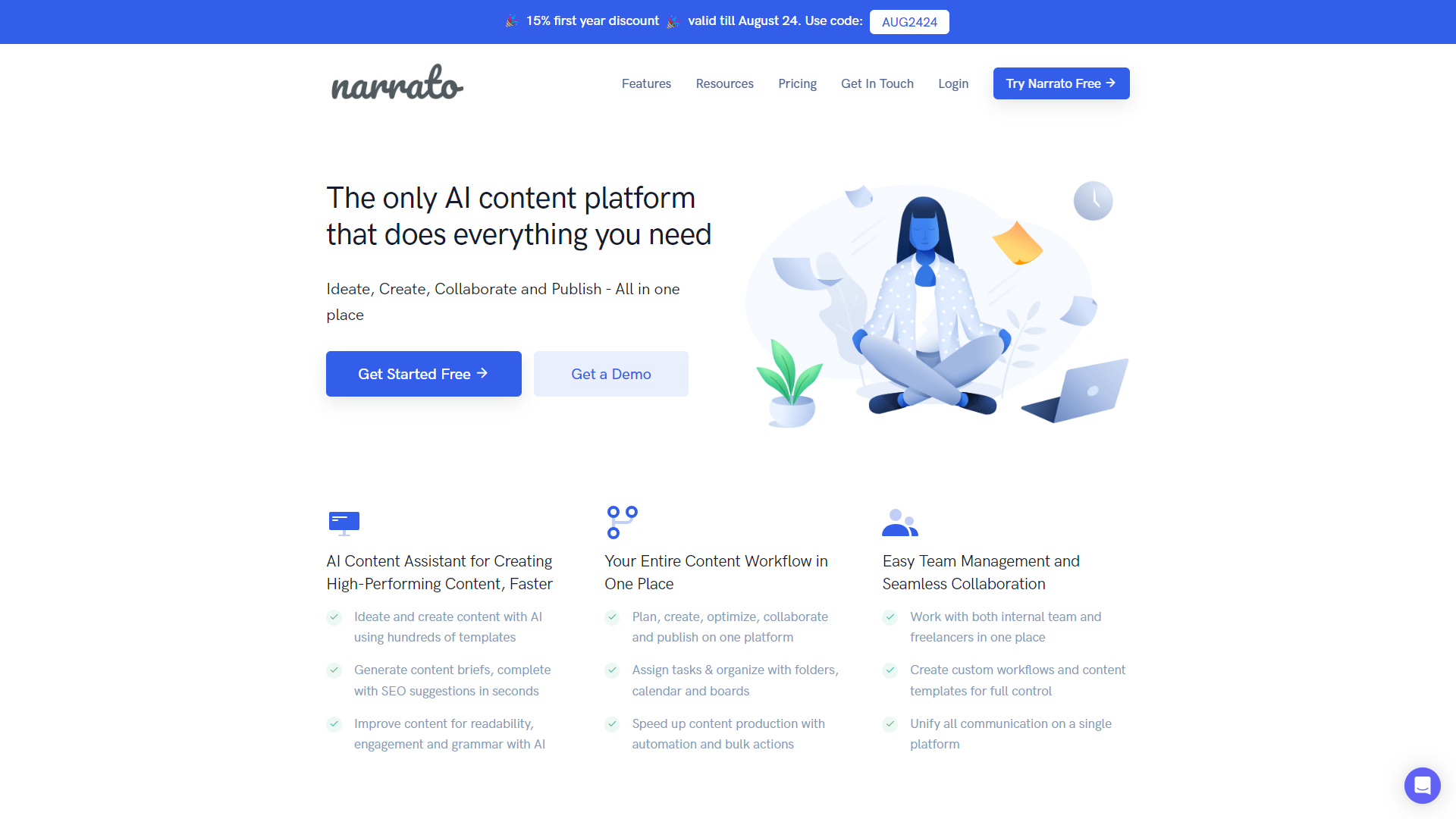
Narrato Workspace is designed to streamline the writing process for teams of all sizes. It provides a centralized platform where team members can collaborate on content creation, edit documents, and share feedback in real-time. This makes it easier to manage projects and meet deadlines without the chaos of email threads and document versions.
With features that cater to writers, editors, and content managers, Narrato Workspace helps users maintain organization throughout their projects. Whether you're drafting a blog post, planning social media content, or creating marketing materials, this tool keeps everything in one place, accessible to everyone involved.
Moreover, Narrato Workspace takes security and user experience seriously. It offers a user-friendly interface that is easy to navigate, ensuring that even those who are not tech-savvy can use it without difficulty. This tool is built to enhance productivity and foster better communication within your team, making it an essential part of the content creation process.
Pricing
| Plan | Price | Description |
|---|---|---|
| Small-Business | N/A | - |
Key features
Real-Time Collaboration
Allows multiple users to work on a document simultaneously, which is great for teamwork.
Content Calendar
Helps teams plan and organize their content strategy over days, weeks, or months.
Version Control
Keeps track of changes made to documents so you can revert if necessary.
Commenting System
Team members can leave comments and suggestions easily, helping improve the content.
Templates
Offers a range of customizable templates for different types of content, saving time during the writing process.
File Sharing
Users can easily share files and documents with team members or clients for better communication.
Analytics
Provides insights into team performance and content engagement, helping to refine strategies.
Integrations
Works seamlessly with other tools and applications, enhancing its functionality.
Pros & Cons
Pros
- Streamlined Communication
- User-Friendly Interface
- Enhances Productivity
- Customizable Workflows
- Great Support
Cons
- Limited Offline Access
- Pricing Can Be High
- Learning Curve
- Mobile Experience
- Dependence on Internet
Feature Ratings
Based on real user reviews, here's how users rate different features of this product.
File Management
Provides functionality that manages file syncing between both PC and Mobile devices to ensure files are up to date no matter who or what device they are updated on
As reported in 10 Narrato Workspace reviews. Ability to access documents via a web interface without a client being installed on a device
Based on 10 reviewsBased on 10 Narrato Workspace reviews. Supports all required file types including but not limited to: Google Docs, MS Office, images, videos, etc.
Based on 10 reviewsCan easily find files via a simple and/or advanced search
iOS, Android and Windows phone apps provide functionality that enable user to perform same functions as they would on a PC
Collaboration
Based on 10 Narrato Workspace reviews. Allows users to receive updates when files have been updated, added, deleted or moved.
Based on 10 reviewsAllows users to share individual files/folders to persons outside or inside organization. Ability to assign edit or view only privileges. 11 reviewers of Narrato Workspace have provided feedback on this feature.
Based on 11 reviewsUsers can work simultaneously on files.
Provides an audit log of changes and enables users to revert to a specific version 10 reviewers of Narrato Workspace have provided feedback on this feature.
Based on 10 reviewsAdministration
Enables administrator to provide segmented access to tool based on role. Easy to create new users and remove users. This feature was mentioned in 12 Narrato Workspace reviews.
Based on 12 reviewsOn boarding and off boarding team members with Active Directory/SAML based identity providers 11 reviewers of Narrato Workspace have provided feedback on this feature.
Based on 11 reviewsAs reported in 12 Narrato Workspace reviews. Ability to control by user/group file/folder access, external sharing permissions, editing policies, device location restrictions, sharing by device, etc.
Based on 12 reviewsAdmins can restrict access to files by device in the event of lost/stolen devices as well as users that no long work for organization. Also may provide ability to wipe files from devices remotely.
Based on 12 Narrato Workspace reviews. Administer storage limits by user or group
Based on 12 reviewsChoose data center your files should be stored at
Stores and transfers files in secure environment 11 reviewers of Narrato Workspace have provided feedback on this feature.
Based on 11 reviewsPlatform
Based on 10 Narrato Workspace reviews. Allows organizations multi-national organizations to use tool effectively across multiple languages and currencies
Based on 10 reviewsBased on 15 Narrato Workspace reviews. Software is consistently available (up-time) and allows users to complete tasks quickly because they are not waiting for the software to respond to an action they took.
Based on 15 reviewsAs reported in 11 Narrato Workspace reviews. Access pre-built and custom reports to monitor user activity and storage
Based on 11 reviewsIntegrates to systems other systems of record such as CRM, ERP, Outlook, Sharepoint
Enables custom integration to external systems 10 reviewers of Narrato Workspace have provided feedback on this feature.
Based on 10 reviewsGrammar
Checks for grammar errors like misspellings, sentence run-on, etc. 54 reviewers of Narrato Workspace have provided feedback on this feature.
Based on 54 reviewsEvaulates emotional tone of words written. This feature was mentioned in 55 Narrato Workspace reviews.
Based on 55 reviewsBased on 53 Narrato Workspace reviews. Ensures sentences are formatted properly.
Based on 53 reviewsFormatting
Checks for instances of plagirism. This feature was mentioned in 50 Narrato Workspace reviews.
Based on 50 reviewsAs reported in 52 Narrato Workspace reviews. Evalutes that work has been done within the guildlines of a given writing style (MLA, APA, Chicago, etc.).
Based on 52 reviewsBased on 52 Narrato Workspace reviews. Finds and formats citations for works mentioned.
Based on 52 reviewsContent
Based on 51 Narrato Workspace reviews. Recommends ideas for topics based on the content written.
Based on 51 reviewsGenerates sentences, paragraphs, or papers based on sample text or a topic. 50 reviewers of Narrato Workspace have provided feedback on this feature.
Based on 50 reviewsAs reported in 46 Narrato Workspace reviews. Generates a form based on information presented.
Based on 46 reviewsProduct Type
As reported in 46 Narrato Workspace reviews. Application is available as a standlone product.
Based on 46 reviewsAs reported in 47 Narrato Workspace reviews. Application is available as a plugin used with another document creation product.
Based on 47 reviewsPlatform Basics
Ability to drag and drop projects and tasks within a marketing calendar. 10 reviewers of Narrato Workspace have provided feedback on this feature.
Based on 10 reviewsAbility to organize recurring projects and tasks into standardized workflows.
Provides marketing project templates, which can include editorial calendars, marketing project plans, creative requests, campaign management, event calendar, etc. 10 reviewers of Narrato Workspace have provided feedback on this feature.
Based on 10 reviewsProvides tracking for marketing campaign costs and the ability to allocate expenses to budgets.
Ability to assign team members specific roles on specific projects. This feature was mentioned in 10 Narrato Workspace reviews.
Based on 10 reviewsAbility to send automated alerts and notifications when projects have been updated and/or compelted.
Content Planning
As reported in 13 Narrato Workspace reviews. Ability to organize content and manage approvals during the content creation process.
Based on 13 reviewsAbility to assign content tasks to writers, designers, and editors. 10 reviewers of Narrato Workspace have provided feedback on this feature.
Based on 10 reviewsAs reported in 11 Narrato Workspace reviews. Ability to schedule content distribution across multiple channels (i.e. social media, email, digital ads, etc.)
Based on 11 reviewsOther Features
Ability to integrate with other tools, including project management tools, productivity tools, marketing technology, publishing tools, etc. 11 reviewers of Narrato Workspace have provided feedback on this feature.
Based on 11 reviewsAbility to export all marketing activities to a PDF report to easily share results with relevant stakeholders. This feature was mentioned in 11 Narrato Workspace reviews.
Based on 11 reviewsSEO Auditing & Monitoring
Delivers instantaneous notifications to alert users to significant issues or changes that could compromise a website's SEO health. 11 reviewers of Narrato Workspace have provided feedback on this feature.
Based on 11 reviewsEvaluates a website's overall SEO health and recommends actions to correct potential issues or improve content. This feature was mentioned in 11 Narrato Workspace reviews.
Based on 11 reviewsAs reported in 12 Narrato Workspace reviews. Maintains a full record of changes to website content or infrastructure, and provides access to historical snapshots or backups.
Based on 12 reviewsProvides an SEO web crawler that consistently monitors and identifies technical issues within a website. 10 reviewers of Narrato Workspace have provided feedback on this feature.
Based on 10 reviewsSEO Content & Rankings
Based on 11 Narrato Workspace reviews. Provides tools for backlink analysis and identifies relevant link building opportunities.
Based on 11 reviewsAs reported in 14 Narrato Workspace reviews. Suggests related keywords for a given search term and provides metrics such as keyword volume, difficulty, and competition.
Based on 14 reviewsTracks organic rank for targeted keywords and reports on current and historical metrics for average position, visibility, share of voice, traffic, etc. This feature was mentioned in 11 Narrato Workspace reviews.
Based on 11 reviewsProvides keyword ranking data based on geographic location and device type. 10 reviewers of Narrato Workspace have provided feedback on this feature.
Based on 10 reviewsAs reported in 15 Narrato Workspace reviews. Offers tools to optimize SEO content such as long-tail keywords, audience insights, content intelligence, or an AI writing assistant.
Based on 15 reviewsSEO Reporting
Provides competitor data on key metrics such as backlinks, SERP rankings, organic search traffic, domain strength. etc. 11 reviewers of Narrato Workspace have provided feedback on this feature.
Based on 11 reviewsDisplays rankings and key metrics visually, such as through charts or graphs
Enables users to build customized SEO reports
Enables users to add their own branding to SEO reports
Planning
As reported in 52 Narrato Workspace reviews. Create editorial calendars that can be accessed by multiple users. Schedule content in advance to post at a later date.
Based on 52 reviewsAs reported in 40 Narrato Workspace reviews. Create content plans or calendars for multiple users and schedule content in advance.
Based on 40 reviewsContent Creation
As reported in 11 Narrato Workspace reviews. Ability to centralize, organize, and store content in a holistic way for easy and timely retrieval throughout the consumer's journey.
Based on 11 reviewsOptimization
Ability to measure the revenue influence and ROI of every piece of content.
Marketing Campaign Performance
Ability to track marketing campaign performance and return on investment (ROI).
Ability to compare marketing plans to historical activity.
Publishing
Ability to publish content either from the source it was created or through a third party. This feature was mentioned in 40 Narrato Workspace reviews.
Based on 40 reviewsSocial Media
Based on 41 Narrato Workspace reviews. Create and publication of content for social media platforms.
Based on 41 reviewsGenerative AI
As reported in 44 Narrato Workspace reviews. Allows users to generate text based on a text prompt.
Based on 44 reviewsBased on 39 Narrato Workspace reviews. Condenses long documents or text into a brief summary.
Based on 39 reviewsBased on 43 Narrato Workspace reviews. Allows users to generate text based on a text prompt.
Based on 43 reviewsAs reported in 45 Narrato Workspace reviews. Allows users to generate text based on a text prompt.
Based on 45 reviewsCondenses long documents or text into a brief summary. 40 reviewers of Narrato Workspace have provided feedback on this feature.
Based on 40 reviewsProvides the ability to generate images from a text prompt. This feature was mentioned in 37 Narrato Workspace reviews.
Based on 37 reviewsAllows users to generate text based on a text prompt.
Condenses long documents or text into a brief summary.
Rating Distribution
Screenshots
User Reviews
View all reviews on G2Narrato makes creating high-ranking Google content both fun and easy
What do you like best about Narrato Workspace?
One thing I like is that it gathers all the keyword phrases used by my competitors and helps me integrate them into my content. I get a handy list of keywords to include in my content, along with specifications about the amount of times I have to include it. Once I've met the requirements, that keyword gets highlighted as green. Incorporating other SEO suggestions also helps in pulling up my SEO score.
What do you dislike about Narrato Workspace?
When working with long articles, I find myself constantly scrolling up and down to view different sections. It would be such a helpful improvement if they could add a sidebar for easy navigation based on headers.
What problems is Narrato Workspace solving and how is that benefiting you?
Narrato helps me create content with the keywords my customers search for. This makes sure my writing matches what my audience wants, increasing the chances of them finding and engaging with it.
My go-to AI for creating marketing content
What do you like best about Narrato Workspace?
To start with, the UX/UI is incredibly intuitive and user-friendly. You can easily find an AI template that helps you create the type of content you're looking for, be it for a blog, a website page, social media, or anything else. Another thing I really...
Decent AI content writing tool that's great for writing long blog articles
What do you like best about Narrato Workspace?
I love using this tool's 4-step process for writing long articles. Whenever I need a blog, it helps me with each stage: making an SEO brief, choosing a title, creating an outline, and drafting the complete article. No other AI tool offers such clear, st...
Perfect for getting ideas for search-optimized articles
What do you like best about Narrato Workspace?
What I love most about using Narrato is how intuitive and user-friendly it is, even for someone new to AI. The SEO feature is fantastic, and the article generator is incredibly helpful for coming up with new ideas when writer's block strikes. I've only ...
Fantastic Tool for Creating Content
What do you like best about Narrato Workspace?
I'm not the most creative person, so having something that can express the key ideas I want in my content has been incredibly helpful. Narrato AI tools do that job very well. On this platform, I was able to find an AI writing tool for every need, and ev...
Company Information
Alternative Ai Writing Assistant tools


FAQ
Here are some frequently asked questions about Narrato Workspace.
Narrato Workspace is a collaborative writing platform designed for teams to work together on content projects.
Multiple users can edit a document at the same time, seeing each other's changes instantly.
Yes, Narrato offers customizable templates that you can adapt to fit your specific needs.
Yes, Narrato Workspace has a mobile app, though it may have fewer features than the desktop version.
You can create blog posts, marketing materials, social media content, and more.
Yes, Narrato provides customer support to help users with any questions or issues they may face.
Yes, Narrato offers resources and guides to help new users get started.
Pricing varies depending on team size and features, so it's best to check their website for detailed information.


