
Craft Docs
A simple tool for team collaboration and documentation.
Overview
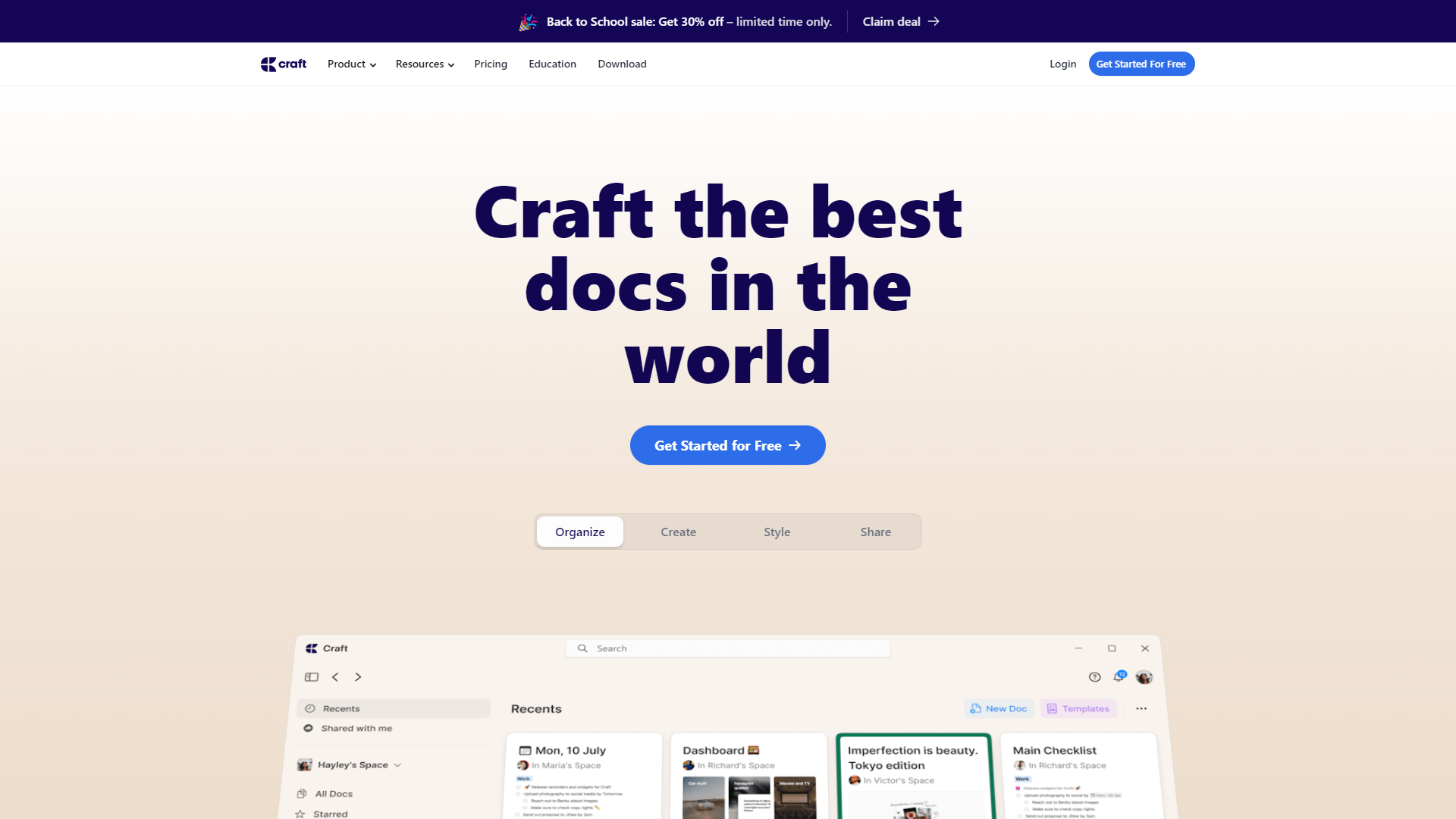
Craft Docs is a user-friendly document collaboration tool designed for teams. It helps users create, edit, and share documents easily. With its intuitive interface, teams can work together effectively, whether they are in the same office or scattered around the globe.
Pricing
| Plan | Price | Description |
|---|---|---|
| Free | Free | Everything you need to get started with Craft. |
| Pro | Starting at $5.00 | Everything in Free, plus: |
| Business | Starting at $10.00 | Everything in Pro, plus: |
| Enterprise | Contact Us | For businesses that need more security, control and support. |
Key features
Real-time Collaboration
Teams can work on documents together at the same time, seeing each other's changes instantly.
User-friendly Interface
The design is simple and easy to navigate, making it accessible for all team members.
Templates
Craft Docs provides a variety of templates to help users start their documents quickly and efficiently.
Commenting and Feedback
Users can leave comments on any section of the document, facilitating clear communication and feedback.
Version History
Users can track changes and revert to previous versions of a document whenever necessary.
Offline Access
Teams can work on documents without an internet connection, with changes syncing once they are online again.
Integration
Craft Docs easily integrates with numerous apps like Google Drive and Slack to streamline workflow.
Access Control
Admins can manage who sees and edits documents, ensuring information security.
Pros & Cons
Pros
- Easy to Use
- Improves Productivity
- Great for Remote Teams
- Rich Features
- Responsive Customer Support
Cons
- Limited Customization
- Cost
- Learning Curve
- Performance Issues
- Integration Limitations
Feature Ratings
Based on real user reviews, here's how users rate different features of this product.
Grammar
As reported in 10 Craft Docs reviews. Checks for grammar errors like misspellings, sentence run-on, etc.
Based on 10 reviewsEvaulates emotional tone of words written.
Ensures sentences are formatted properly.
Formatting
Checks for instances of plagirism.
Evalutes that work has been done within the guildlines of a given writing style (MLA, APA, Chicago, etc.).
Finds and formats citations for works mentioned.
Content
As reported in 10 Craft Docs reviews. Recommends ideas for topics based on the content written.
Based on 10 reviewsGenerates sentences, paragraphs, or papers based on sample text or a topic.
Generates a form based on information presented.
Product Type
Application is available as a standlone product.
Application is available as a plugin used with another document creation product.
Knowledge Pages
Provides pre-made templates for wiki pages and knowledge articles.
Allows users to leave feedback within a wiki page or knowledge article.
Allows users to comment on wiki pages or knowledge articles.
Allows users to see version history and return to previous versions of wiki pages.
Enables users to create rich knowledge pages with a combination of text, charts, images, video and audio
Knowledge Dissemination
Provides data on wiki page and knowledge article use.
Allows administrators to provide permissions and gate pieces of content based on role.
Offers additional tools that facilitate knowledge sharing and collaboration.
Notifies users when changes occur.
Offers AI-based search capabilities
Allows knowledge pages to be organized into sections and subsections as needed
Integrated with other tools to faciliate the sharing of information
Integrates with other knowledge repositories in the business
Integrate & Embed
Based on 14 Craft Docs reviews. Integrates with calendars to link relevant documents for meetings or appointments
Based on 14 reviewsBased on 14 Craft Docs reviews. Integrates with third-party applications, such as business instant messaging software, collaboration tools, and project management software
Based on 14 reviewsEdit & Revise
Tracks changes made to documents and access all revision history This feature was mentioned in 12 Craft Docs reviews.
Based on 12 reviewsBased on 16 Craft Docs reviews. Provides editing and proof-reading tools such as spell check and grammar check
Based on 16 reviewsFile Types
As reported in 18 Craft Docs reviews. Exports files in multiple file formats including .docx, .pdf, .odt, .rtf, .txt or .html format
Based on 18 reviewsBased on 17 Craft Docs reviews. Imports documents in multiple file formats for editing
Based on 17 reviewsTransforms a document into a web page and publish to the internet This feature was mentioned in 13 Craft Docs reviews.
Based on 13 reviewsCollaboration
Based on 15 Craft Docs reviews. Allows multiple users to collaborate on a single document and see edits in real-time
Based on 15 reviewsAllows users to communicate in real-time via chat and comments within the document 13 reviewers of Craft Docs have provided feedback on this feature.
Based on 13 reviewsDesign
Ability to insert graphics, including photos, charts, drawings, graphs, etc. 15 reviewers of Craft Docs have provided feedback on this feature.
Based on 15 reviewsBased on 18 Craft Docs reviews. Offers multiple editable templates for documents inluding flyers, resumes, calendars, newsletters, etc.
Based on 18 reviewsOffer various color themes which can be applied to the document 15 reviewers of Craft Docs have provided feedback on this feature.
Based on 15 reviewsOperating System
As reported in 14 Craft Docs reviews. Supports Microsoft Windows operating system
Based on 14 reviewsBased on 15 Craft Docs reviews. Supports macOS operating system
Based on 15 reviewsSupports Linux operating system This feature was mentioned in 12 Craft Docs reviews.
Based on 12 reviewsGenerative AI
Allows users to generate text based on a text prompt.
Condenses long documents or text into a brief summary.
Allows users to generate text based on a text prompt. This feature was mentioned in 12 Craft Docs reviews.
Based on 12 reviewsBased on 11 Craft Docs reviews. Condenses long documents or text into a brief summary.
Based on 11 reviewsAs reported in 11 Craft Docs reviews. Provides the ability to generate images from a text prompt.
Based on 11 reviewsBased on 11 Craft Docs reviews. Simulates human-like speech from text inputs.
Based on 11 reviewsConverts images into a textual description, identifying key elements. 12 reviewers of Craft Docs have provided feedback on this feature.
Based on 12 reviewsRating Distribution
Screenshots
User Reviews
View all reviews on G2You love software based on functions or aesthetics. Craft accomplishes both
What do you like best about Craft Docs?
Craft it is pretty. And I use it every day.
As someone whose job involves introducing note-taking software to university teachers who’d honestly rather run in the opposite direction than pick up something overly techy, let me tell you, Craft is a gem. I show it to a teacher or colleague, and I get the same reaction every time: they look at the screen with wide eyes and go, “Whoa, this looks so… simple? And pretty?” And then they’re off—formatting text, organizing ideas, and suddenly, they’re swooning over a note-taking app. Yep, actual swooning.
Half my job is finding tools for educators who aren’t exactly tech fans, and Craft? It makes that job easier—and dare I say it, kinda fun. Personally, I write loads of text—strategic documents, reports, content galore—and Craft is a joy to use. The final output looks downright elegant, it’s a breeze to navigate, and the cards are like a dream: efficient, tidy, and, yep, pretty!
So, here’s the thing: Craft nails it with two key elements: functional and beautiful simplicity. It’s like finding a unicorn that’s also a productivity tool.
What do you dislike about Craft Docs?
Now, let’s be real—Craft doesn’t have all the fancy stuff you might find in other software, like built-in databases, complex network connections, or advanced viewing options. But even without those features, the team behind Craft is constantly rolling out updates in beta. They’re listening to users and actively working to improve what’s missing.
So, even the things I find a little lacking are actually getting better, bit by bit. Craft’s team is hands-on with the community, which makes all the difference. It’s nice to know that, even if it’s not perfect, they’re making real progress on the things we want.
What problems is Craft Docs solving and how is that benefiting you?
Craft is hands-down the quickest way to make and store notes, and finding them later is a breeze. The home grid is amazing—super visual and straightforward. I can instantly recognize my documents from the titles, images, or subtitles, and with sub-cards, navigating is as smooth as it gets. Even if a document is 100 pages long, it gets neatly condensed down to a few main headlines, which makes scanning for information super convenient. And if things get crowded, just hit the search bar, type in a keyword, and boom—there’s exactly what you need.
The sub-page setup is also a lifesaver. For example, I keep a document titled “Meetings,” and within it are all my meeting notes, organized by date. It’s like a built-in agenda, but simpler, all in one place without a mess of extra documents.
Then there are the templates. These are so good! We’re using them to structure entire courses, which are usually a nightmare to organize because they have so many parts: video scripts, lessons, enriched media, posts, transmedia connections—you name it. But with Craft, all this complexity fits into one clean document. It’s super easy for a professor to jump into one of these course templates and start collaborating, thanks to the toggles that make it easy to add or adjust details.
In short, Craft makes organizing complex projects feel quick, intuitive, and genuinely enjoyable.
Great tool for creating education resources.
What do you like best about Craft Docs?
Craft offers an easy user interface for creating documents. The products look great and allow for easy organization of information. The feature to publish to the web is a great added feature.
What do you dislike about Craft Docs?
There are limits on customiza...
Craft Docs: Excellence in Beautiful Document Creation and Team Collaboration!
What do you like best about Craft Docs?
I use Craft every day both personally and with a team professionally. Creating documents has become such a fun and fulfilling experience with Craft's user-friendly interface, hassle-free sharing, and the granular control it offers through link-sharing permissi...
Be a crafter of documents with Craft Docs
What do you like best about Craft Docs?
I think it is a user-friendly and versatile platform that allows for easy file sharing, document scanning, and designing. I can access it from various devices with its simple and smooth interface. I can create a password that protects my documents and it can ...
Craft Docs: A Valuable Tool for Team Communication
What do you like best about Craft Docs?
Craft Docs has everything you need. With its user-friendly UI, it makes document scanning, designing and file sharing a breeze. This versatile platform allows me to share documents through generated links or with added password protection, ensuring the securi...
Company Information
Alternative Ai Writing Assistant tools


FAQ
Here are some frequently asked questions about Craft Docs.
Craft Docs is a collaborative document tool for teams to create and manage documents effectively.
Team members can edit the same document simultaneously and see each others' changes in real-time.
Yes, you can work on documents offline, and your changes will sync automatically when you're back online.
Yes, Craft Docs provides various templates to help users get started on their documents.
Craft Docs allows users to see previous versions of a document and restore them if needed.
Yes, Craft Docs has a responsive customer support team to assist users with any questions.
Craft Docs integrates seamlessly with tools like Google Drive, Slack, and many more.
Yes, you can set access controls to manage who can view and edit your documents.


