
Dlib Image Processing
Dlib is a powerful tool for image processing and machine learning.
Overview
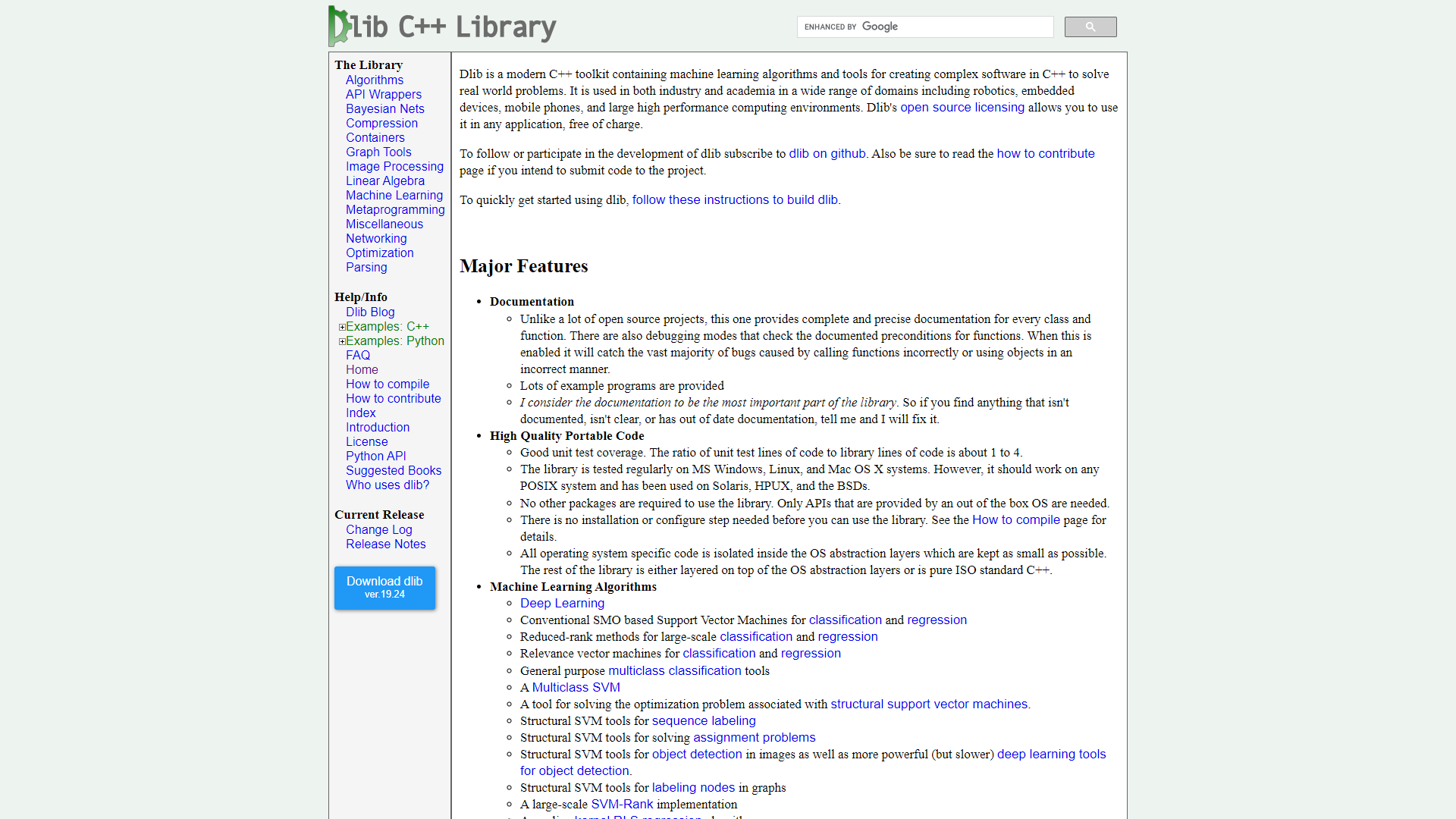
Dlib is an open-source software library that helps developers work with images and create machine learning models. It makes it easier to perform tasks such as face detection, object tracking, and image manipulation. With its user-friendly interface, Dlib allows both beginners and experienced programmers to integrate advanced image processing capabilities into their applications.
The library is written in C++ but provides bindings for Python, making it accessible for a wider range of users. Dlib is known for its robust algorithms and high performance, which is useful for real-time applications. It also includes a variety of pre-trained models, which save time for developers who want to build solutions quickly.
One of the standout features of Dlib is its flexibility. Developers can easily customize the tools to suit their specific needs. Whether you're working on a simple project or a complex system, Dlib offers comprehensive documentation and active community support, allowing users to find solutions and share ideas effectively.
Key features
Face Detection
Dlib provides reliable algorithms to detect faces in images and videos, making it a versatile tool for security and monitoring applications.
Object Tracking
With Dlib, developers can effortlessly track moving objects in videos, enhancing applications like video surveillance or sports analytics.
Facial Landmark Detection
Dlib can identify specific points on a face, useful for applications in cosmetics, gaming, and augmented reality.
Template Matching
It offers easy methods for matching templates in images, suitable for quality control in manufacturing.
Image Segmentation
Dlib allows you to segment images to identify different regions, valuable for medical imaging and automated analysis.
Robust Pre-trained Models
Dlib includes several pre-trained models that save time and effort in the development process.
Multi-threading Support
This feature helps you utilize multiple CPU cores for faster processing, improving performance in complex tasks.
Cross-platform Compilation
Dlib can be compiled on different systems, allowing users to deploy their applications across various platforms.
Pros & Cons
Pros
- Open Source
- User-friendly
- High Performance
- Active Community
- Extensive Documentation
Cons
- Steep Learning Curve
- Limited GUI Tools
- Integration Challenges
- Performance Variability
- Updates and Maintenance
Rating Distribution
User Reviews
View all reviews on G2Dlib Delight: Navigating Image Processing with Ease
What do you like best about Dlib Image Processing?
For anything photo-related, Dlib Image Processing is my ride-or-die app. With incredibly clear instructions, the documentation is my trusty friend, making learning a breeze. A real star, right? Dlib performs face detection and landmark recognition with accuracy and speed comparable to that of the famous detective. Whether I'm working in real time or just taking pictures, Dlib delivers. Face identification is similar to comparing Dlib faces in different photos, and how does machine learning fit into this? Perfect. It integrates well with PyTorch and TensorFlow. Fast and efficient performance, even in the face of large data sets, backed by a supportive community. The industry standard for image processing is Dlib; using it is equivalent to having a coding superpower on your side. Big thumbs up guys.
What do you dislike about Dlib Image Processing?
Despite its apparent power, Dlib Image Processing has a lengthy learning curve that can be intimidating to new users. It takes a while to think through its extensive features. Plus, while it performs well overall, it might not be the speedster you're looking for when it comes to heavy duty work. For those ready to work through its learning curve, Dlib is still a powerful program with an active user base and useful features for image processing enthusiasts.
What problems is Dlib Image Processing solving and how is that benefiting you?
In the picture game, Dlib picture processing is my first choice for troubleshooting. My projects requiring facial recognition and photo organization have been revolutionized by the accuracy of facial and landmark detection, which is like having a digital detective on hand. My toolkit has more adaptability because the seamless integration with industry giants TensorFlow and PyTorch opens up a world of machine learning possibilities. To top it off, Dlib's performance is incredibly stable when processing large datasets, so everything runs quickly and smoothly. In short, Dlib is an unsung hero that solves all my image-related problems accurately and efficiently.
fast image processing lib
What do you like best about Dlib Image Processing?
its good at image processing and gives proper histogram data and is good for vector use I use these to process some images to vector
What do you dislike about Dlib Image Processing?
need to optimize and should have more functionality
What problems...
Good ML library esp for face stuff
What do you like best about Dlib Image Processing?
Great 68 landmark face model for use in opencv And free too, making it accessible to indie and smaller projects without proprietary face tracking budgets
What do you dislike about Dlib Image Processing?
No complaints - afaik the repo is maintained ...
Company Information
Alternative Image Recognition tools


FAQ
Here are some frequently asked questions about Dlib Image Processing.
Dlib is used for various image processing tasks including face detection, object tracking, and machine learning.
Yes, Dlib is open-source software, which means it is free for everyone.
Absolutely! Dlib is optimized for speed, making it suitable for real-time processing.
Yes, Dlib provides Python bindings, making it easy to use in Python projects.
You can install Dlib using pip by running 'pip install dlib' in your command line.
Yes, Dlib includes several pre-trained models to help you get started quickly.
While Dlib is user-friendly, beginners may need some time to grasp its advanced features.
Yes, Dlib can be compiled on various platforms, including Windows, macOS, and Linux.


