
Roboflow
Roboflow helps you build and improve computer vision models quickly.
Overview
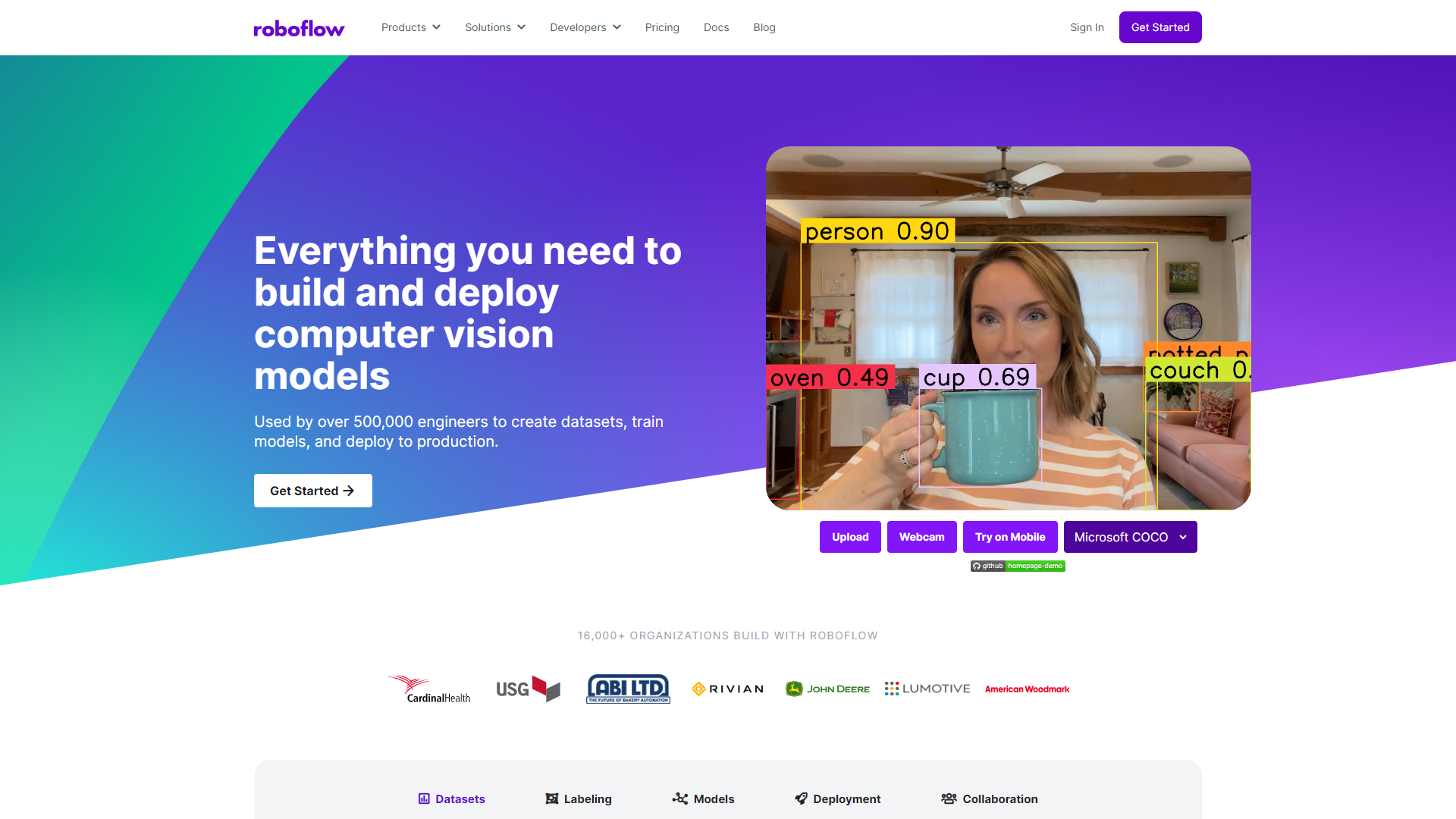
Roboflow is a powerful tool designed for anyone working with computer vision. It simplifies the entire process of developing AI models that can recognize images. With Roboflow, you can create, train, and deploy models without needing extensive programming skills. This makes it accessible for beginners while still being robust enough for experts.
Pricing
| Plan | Price | Description |
|---|---|---|
| Public | Free | Best for personal, open source, and research. Explore public projects on Roboflow Universe. Projects, including datasets, are open source to contribute to the community |
| Growth | Starting at $0.00 (Per Month) | Start building for free. Pricing based on your team's usage. Best for startups and small business. Datasets and models are private only to your account. |
| Enterprise | Contact Us | Enterprise plans with custom deployment options, dedicated Machine Learning Engineers, and SLAs. Datasets and models are private only to your account. |
Key features
Image Annotation
Offers easy-to-use tools for labeling images in various formats to train your models.
Dataset Management
Helps you organize and manage your datasets efficiently with version control.
Pre-built Models
Provides access to a library of pre-trained models that you can use or fine-tune.
Easy Integrations
Connects seamlessly with popular machine learning frameworks and cloud services.
Collaboration Tools
Enables teams to work together by sharing projects and datasets easily.
Auto-augmentation
Automatically enhances your images to improve model accuracy without manual effort.
Deployment Options
Offers many ways to deploy your trained models, from web apps to mobile devices.
Documentation and Support
Comes with a wealth of resources and community support to guide users.
Pros & Cons
Pros
- User-Friendly Interface
- Time-Saving Features
- Versatile Applications
- Strong Community
- Scalable Solutions
Cons
- Limited Free Version
- Learning Curve
- Internet Dependency
- Pricing
- Occasional Bugs
Rating Distribution
Screenshots
User Reviews
View all reviews on G2Manage my image and video information
What do you like best about Roboflow?
Roboflow is beneficial for computer vision tasks I have been doing. Annotation tools which are very friendly to use would take more than the author confessed not to have deep knowledge of machine learning to master.
What do you dislike about Roboflow?
The free plan is very limited and sometimes can become very restrictive. Dataset storage is restricted, and there is a finite amount of model training that can be done per month.
What problems is Roboflow solving and how is that benefiting you?
The good news is that Roboflow has made the computer vision workflow on my computer much more efficient. The annotation tools and data management functionalities make it simple to create good quality training data sets.
Concentrate on the critical elements of my work.
What do you like best about Roboflow?
I am an analytics professional with not much coding background in AI but the simplicity, effectiveness and ease of use of Roboflow makes it possible for me to gather, label and train sets for use in my image recognition and automation projects.
What do you disl...
Review for Roboflow
What do you like best about Roboflow?
It has better annotations and when i used i could see the collection of data is worth of using. And the user experience is also best.
What do you dislike about Roboflow?
I have experienced that we can't properly customise the dataset and the labelling is also s...
The most complete and convenient dataset creation platform for CV
What do you like best about Roboflow?
Very easy to use and get started with if you are just a beginner at ML.
Lots of handy tools for labeling and exporting datasets.
Got into ML just a bit over a week ago, and was overwhelmed with the complexity and difficulty that came with something that should b...
Roboflow is Great for Organizing and Labeling Datasets for ML Applications
What do you like best about Roboflow?
Extremely easy to use. Easy to train ML models. Customer Support.
What do you dislike about Roboflow?
Dealing with large datasets is sometimes difficult when they are over 5K images
What problems is Roboflow solving and how is that benefiting you?
We also trai...
Company Information
Alternative Image Recognition tools


FAQ
Here are some frequently asked questions about Roboflow.
Roboflow is used to create, train, and deploy computer vision models.
No, you can use Roboflow without coding skills, though some technical knowledge helps.
Yes, Roboflow offers collaboration tools for teams to work together on projects.
You can work with various image formats, including JPG, PNG, and more.
Yes, Roboflow offers a free version but with certain limitations.
You can deploy your models to web apps, mobile devices, or even on the edge.
Roboflow provides extensive documentation and access to a community for support.
Yes, you can use Roboflow for both personal and commercial projects, depending on your plan.


