
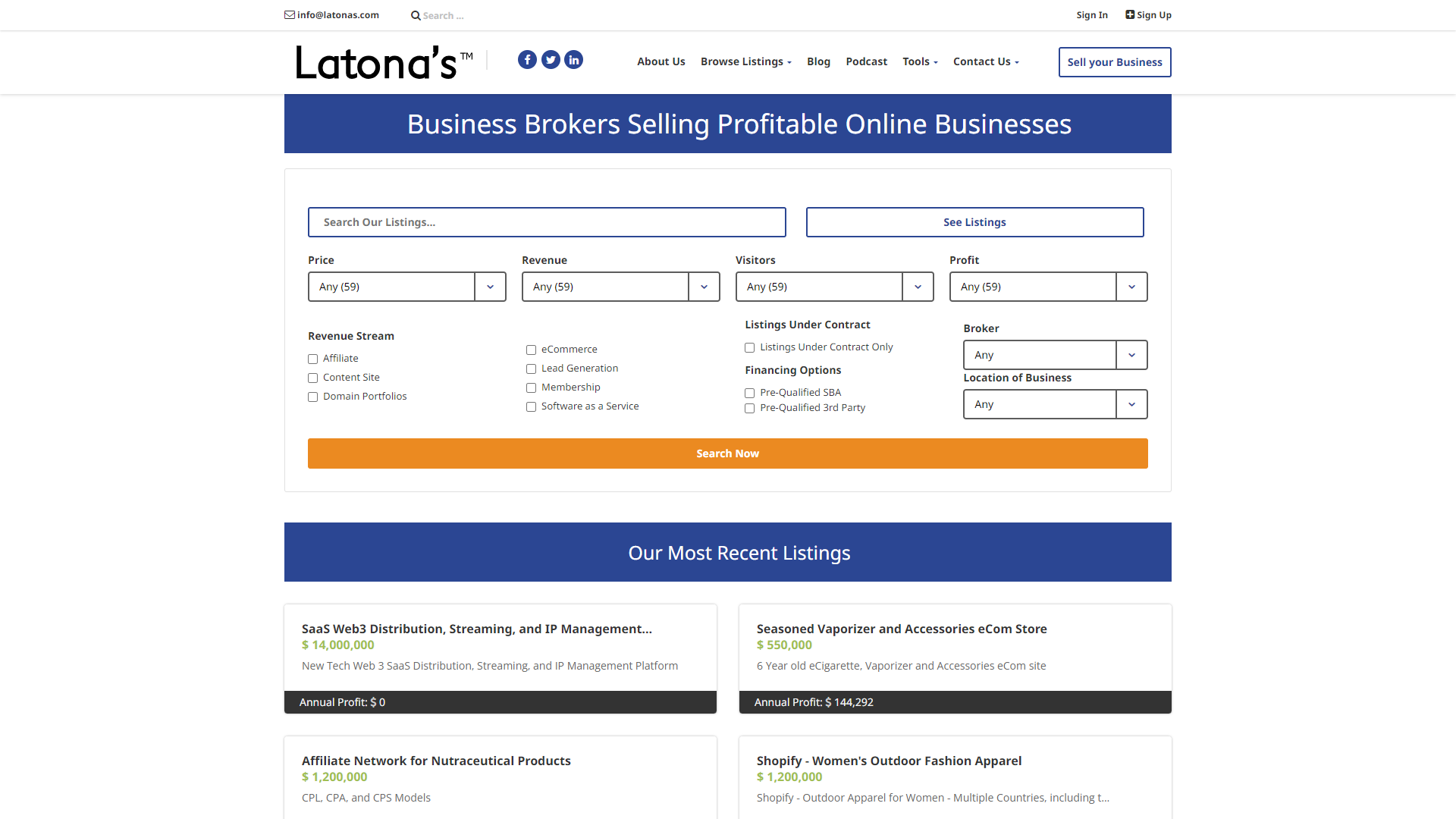
Overview
Latona is designed to help users manage their daily tasks in a simple and organized way. With its intuitive interface, it makes tracking projects and deadlines a breeze. You can easily prioritize your work, set reminders, and collaborate with others, making it ideal for both personal and professional use.
This tool is perfect for anyone who wants to stay organized, whether you are a student, a busy professional, or someone managing a household. Latona offers a variety of features that cater to different needs, ensuring that everyone can make the most out of their day. With Latona, you can gain a clearer view of your tasks and be more productive.
What sets Latona apart is its commitment to simplicity and user satisfaction. The platform is constantly updated with new features based on user feedback, ensuring that it evolves over time. Whether you are using it on your computer or mobile device, Latona is there to help you stay on top of your tasks.
Key features
User-Friendly Interface
Latona features an easy-to-navigate layout, making task management simple for everyone.
Task Prioritization
You can easily categorize and prioritize tasks to focus on what matters most.
Collaboration Tools
Latona allows multiple users to work on shared projects, fostering teamwork.
Deadline Notifications
Stay on track with reminders that alert you about upcoming deadlines.
Mobile Access
Use Latona on your smartphone or tablet, ensuring you can manage tasks on the go.
Customizable Categories
Create your own categories to organize tasks in a way that makes sense for you.
Progress Tracking
Monitor how much work you’ve completed with visual progress indicators.
Integration Capabilities
Latona integrates with other popular tools, enhancing its functionality.
Pros
- Enhances ProductivityBy organizing tasks effectively, users can get more done in less time.
- Supports TeamworkThe collaboration features make it easier to work with others on projects.
- Accessible AnywhereWith mobile access, you can manage tasks from virtually anywhere.
- Regular UpdatesLatona frequently adds new features based on user feedback.
- Easy SetupGetting started with Latona is quick and simple, without the need for complicated setups.
Cons
- Limited Free VersionThe free version has some restrictions that may not meet all user needs.
- Occasional BugsSome users have reported minor bugs that can interrupt the workflow.
- Learning CurveAlthough it’s user-friendly, some advanced features may take time to learn.
- Dependency on InternetMost features require a stable internet connection to function properly.
- Needs More CustomizationSome users desire more customization options for their task lists.
FAQ
Here are some frequently asked questions about Latona.
Latona is a task management tool designed to help users organize and prioritize their tasks.
Yes, Latona offers a free version with basic features, but some advanced options require a subscription.
Yes, Latona is accessible on mobile devices, allowing you to manage tasks on the go.
Latona includes collaboration features that allow multiple users to work together on projects.
Yes, Latona has deadline notifications to remind you of important upcoming tasks.
Yes, Latona offers integration with several popular tools to enhance your productivity.
Latona can be accessed via web browsers and has mobile apps for both iOS and Android.
Latona regularly updates its features based on user feedback to improve usability.


