


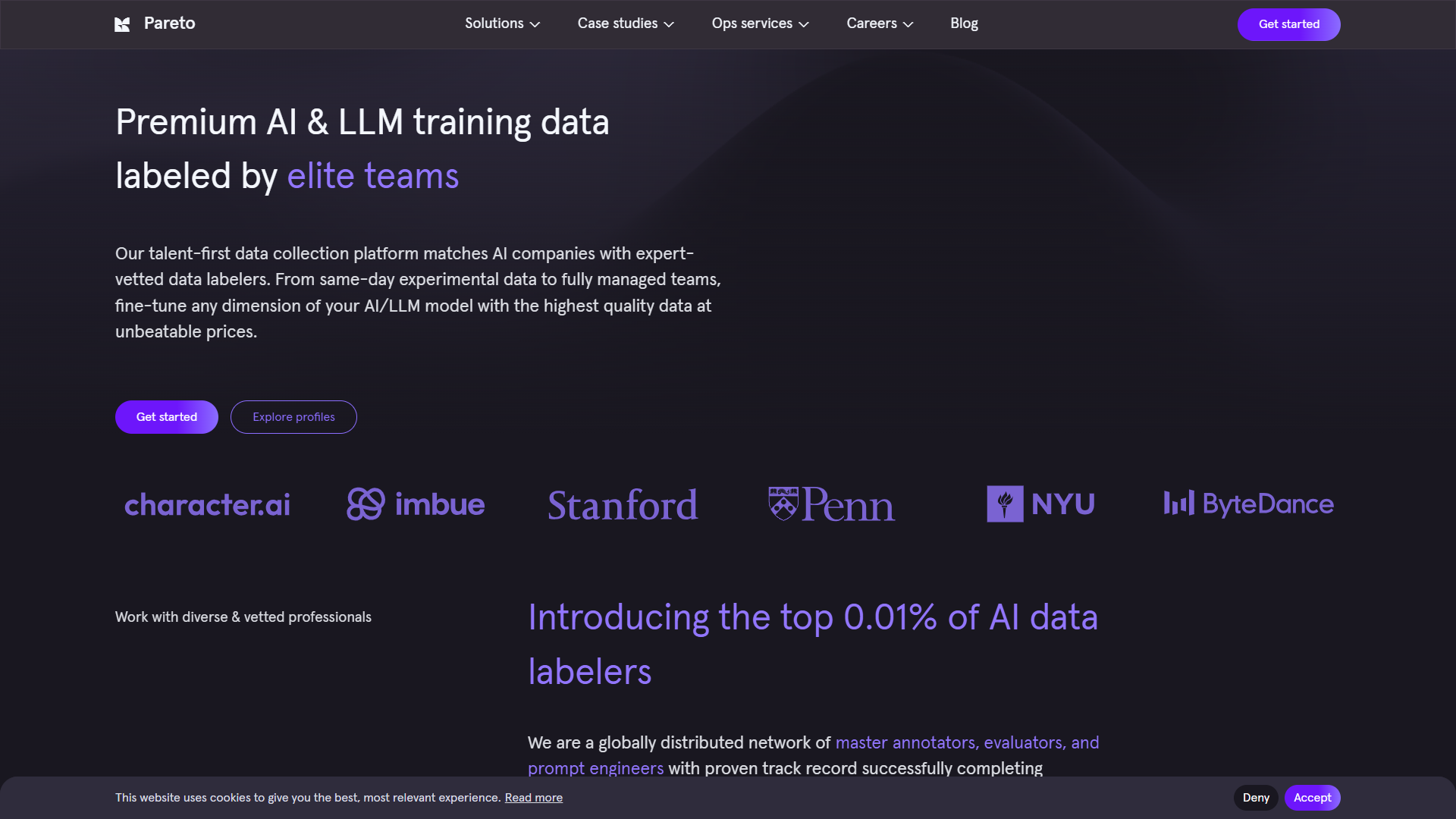
Overview
Pareto is a task management tool designed to help individuals and teams prioritize their workload. Its user-friendly interface makes it easy for users to keep track of multiple tasks and projects. By focusing on the most important tasks, Pareto aligns with the 80/20 rule, helping users maximize their productivity and achieve their goals.
Pricing
| Plan | Price | Description |
|---|---|---|
| Small-Business | N/A | 35% more expensive than the avg. AI Image Generators product https://www.g2.com/products/pareto-group-pareto/reviews?filters%5Bcompany_segment%5D%5B%5D=179 |
Key features
User-Friendly Interface
Pareto's intuitive design allows users to navigate easily without any steep learning curve, making it accessible for everyone.
Task Prioritization
The tool helps users prioritize their tasks based on deadlines and importance, ensuring that they focus on what matters most.
Collaboration Tools
Pareto offers features for team collaboration, allowing members to share tasks and updates in real time.
Progress Tracking
Users can track the progress of their projects to see how much work has been completed and what still needs attention.
Deadline Alerts
The built-in reminder system notifies users of upcoming deadlines, helping them stay on top of their responsibilities.
Customization Options
Users can customize their dashboards and task views to fit their unique workflows, promoting personal efficiency.
Mobile Accessibility
Pareto is available on mobile devices, letting users manage their tasks on-the-go, no matter where they are.
Analytics and Reporting
The tool provides insights into time spent on tasks and areas for improvement, aiding users in optimizing their productivity.
Pros
- Increases Productivity
- Easy to Use
- Supports Collaboration
- Flexible and Customizable
- Accessible Anywhere
Cons
- Limited Free Features
- Steep Pricing for Premium
- Occasional Bugs
- Requires Internet Connection
- Learning Curve for Advanced Features
FAQ
Here are some frequently asked questions about Pareto.
Pareto is a task management tool designed to help you prioritize tasks and improve productivity.
Yes, Pareto has a mobile app that allows you to manage tasks on-the-go.
It categorizes tasks based on importance and deadlines, allowing you to focus on what matters most.
Yes, Pareto offers a free version, although some advanced features may only be available in the premium version.
Absolutely! Pareto includes features that enable team members to share tasks and updates in real-time.
Yes, Pareto has a reminder system to notify you of upcoming deadlines.
You can customize your dashboards and task views to fit your personal workflow.
If you face any issues, Pareto's support team is available to help troubleshoot and resolve them.


