
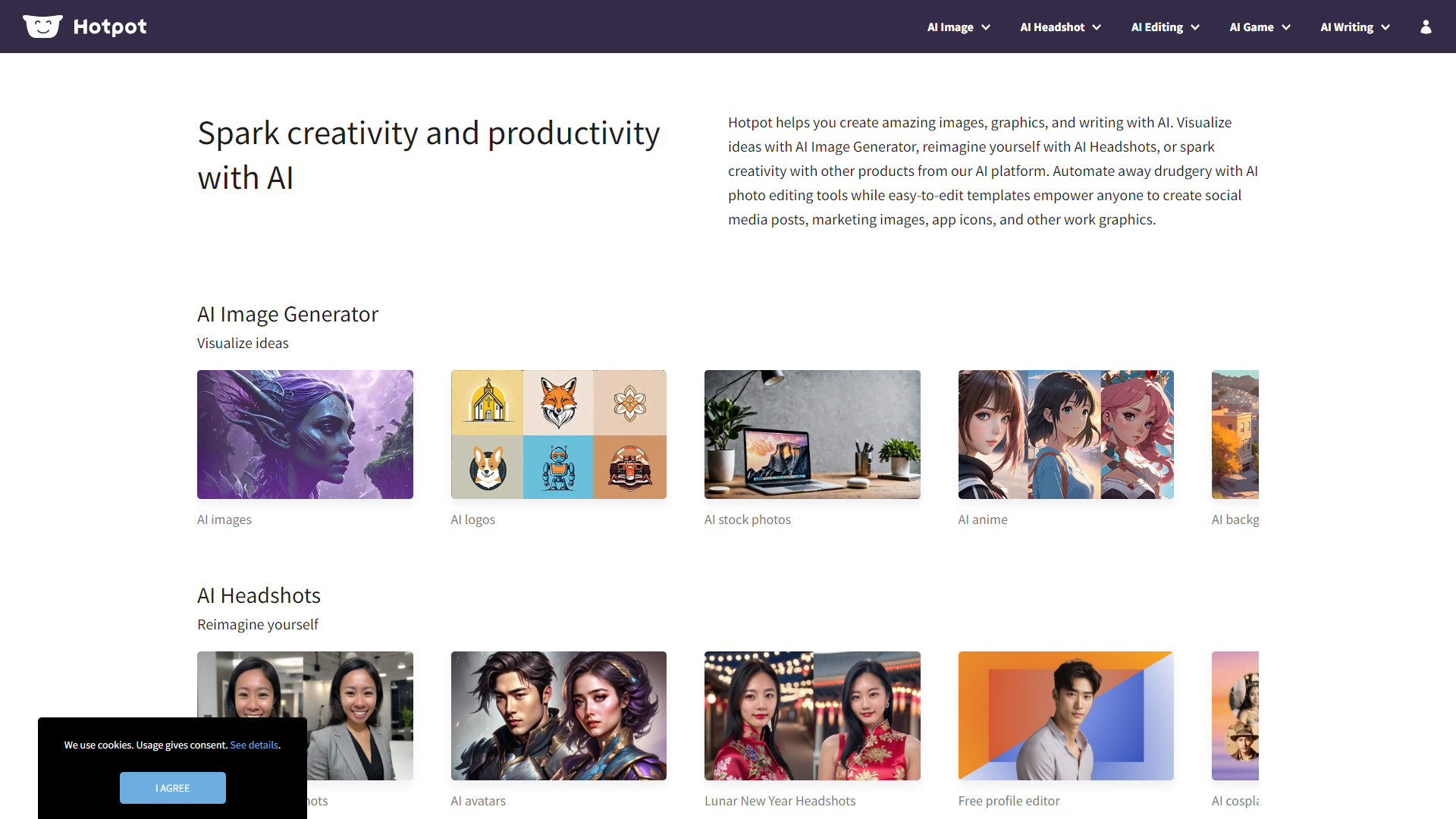
Overview
HotpotAI is an innovative tool designed to help users create stunning visuals easily and quickly. Whether you are a small business owner, a social media manager, or just someone who loves to design, HotpotAI provides a range of helpful features to assist you. With its user-friendly interface and powerful tools, anyone can produce professional-looking graphics without needing advanced design skills.
Key features
AI-Powered Design
HotpotAI uses artificial intelligence to help you create unique designs tailored to your needs.
Image Enhancer
You can easily enhance your images with just one click, making them look more vibrant and appealing.
Template Library
The platform offers a wide variety of pre-made templates for flyers, social media posts, and more.
Easy-to-Use Editor
Its intuitive editor allows you to drag and drop elements, making it simple for anyone to use.
Collaboration Tools
Work with your team in real-time to brainstorm ideas and create designs together.
Batch Processing
Save time by editing multiple images at once instead of one-by-one.
Customizable Graphics
You can customize colors, fonts, and images to match your brand perfectly.
Access to Resources
HotpotAI provides access to stock images and icons that you can use in your designs.
Pros
- User-FriendlyThe interface is designed for non-designers, making it easy to create visuals.
- Time-SavingWith AI tools, you can create designs much faster than traditional software.
- Affordable PricingHotpotAI offers various pricing plans that are budget-friendly.
- Quality OutputsThe graphics produced are of high quality, suitable for professional use.
- Regular UpdatesThe platform consistently receives updates with new features and improvements.
Cons
- Limited Free FeaturesThe free version has limitations that might not satisfy all users.
- Learning CurveSome users may find it challenging to navigate all the features at first.
- Occasional BugsUsers have reported minor issues occasionally, which can be frustrating.
- Dependence on InternetYou need a reliable internet connection to use the software effectively.
- Customization LimitationsWhile customizable, some advanced features might be limited compared to full design software.
FAQ
Here are some frequently asked questions about HotpotAI.
HotpotAI is a design tool that helps you create graphics using artificial intelligence.
HotpotAI offers a free version, but some features are only available in the paid plans.
You can create social media posts, flyers, logos, and much more using HotpotAI.
The AI suggests designs and enhancements based on your inputs, making it easier and faster to produce great visuals.
Yes, HotpotAI has collaboration tools that allow you to work with others in real-time.
No, HotpotAI is designed for everyone, even those without any design experience.
You can enhance your images with a simple one-click tool that improves colors and details.
HotpotAI provides online support and resources like tutorials to help you get the most out of the tool.


